 None
 Origins
 Everyday
 Coldie
Apple Log on iPhone, explained
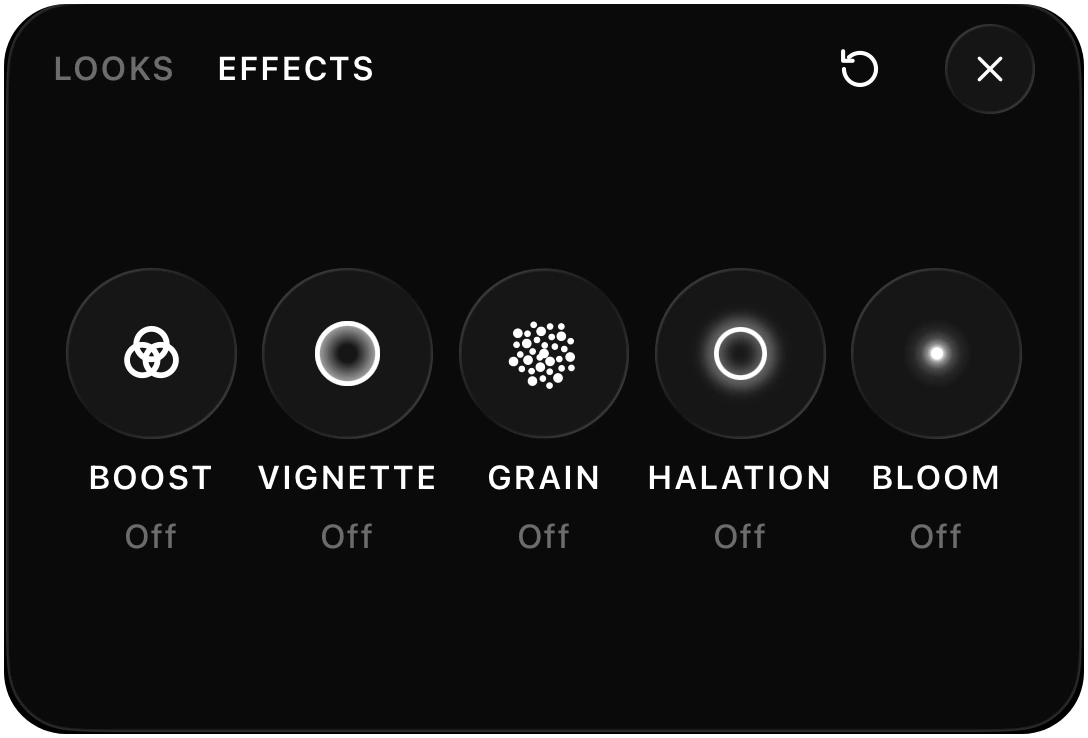
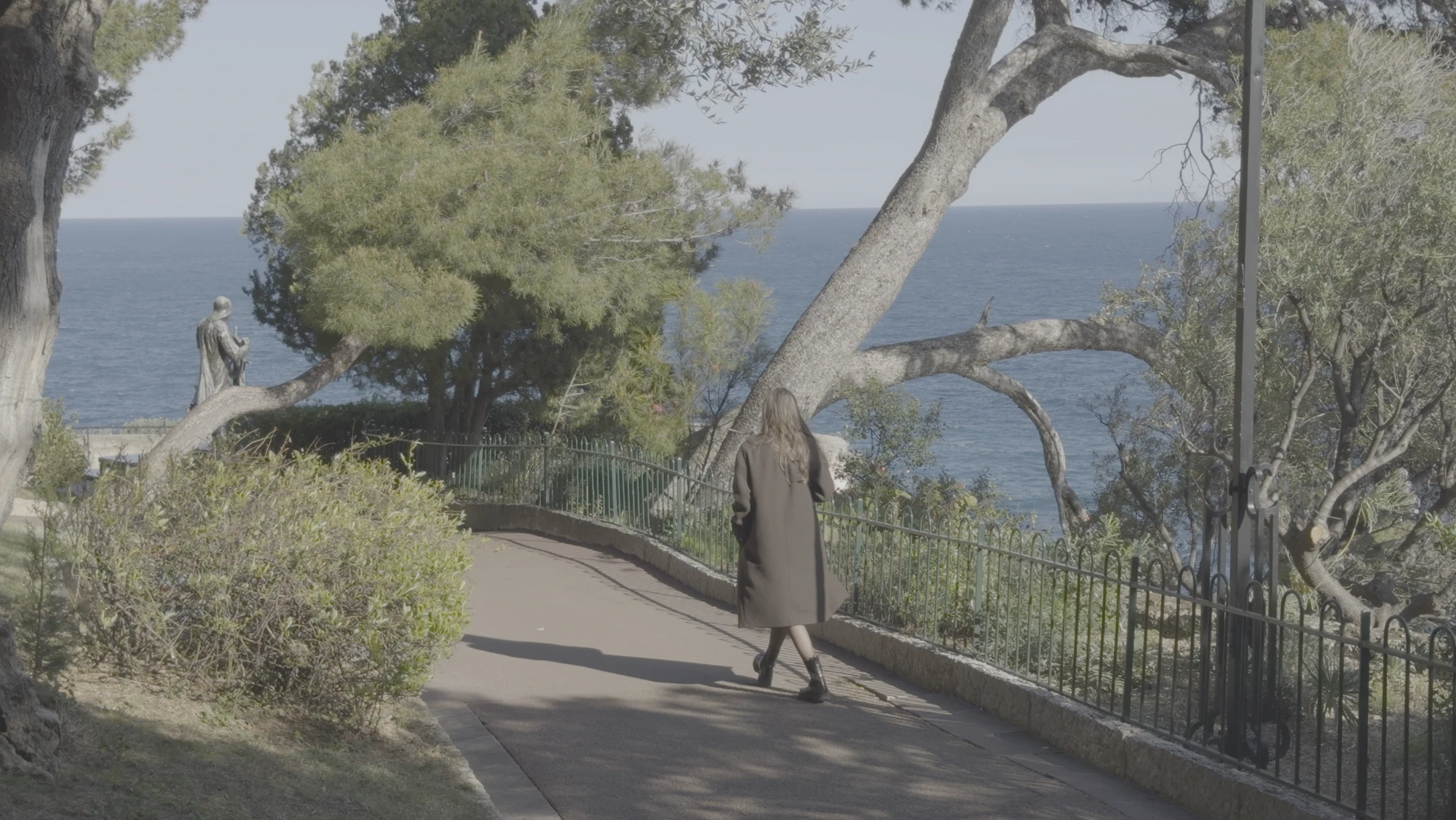
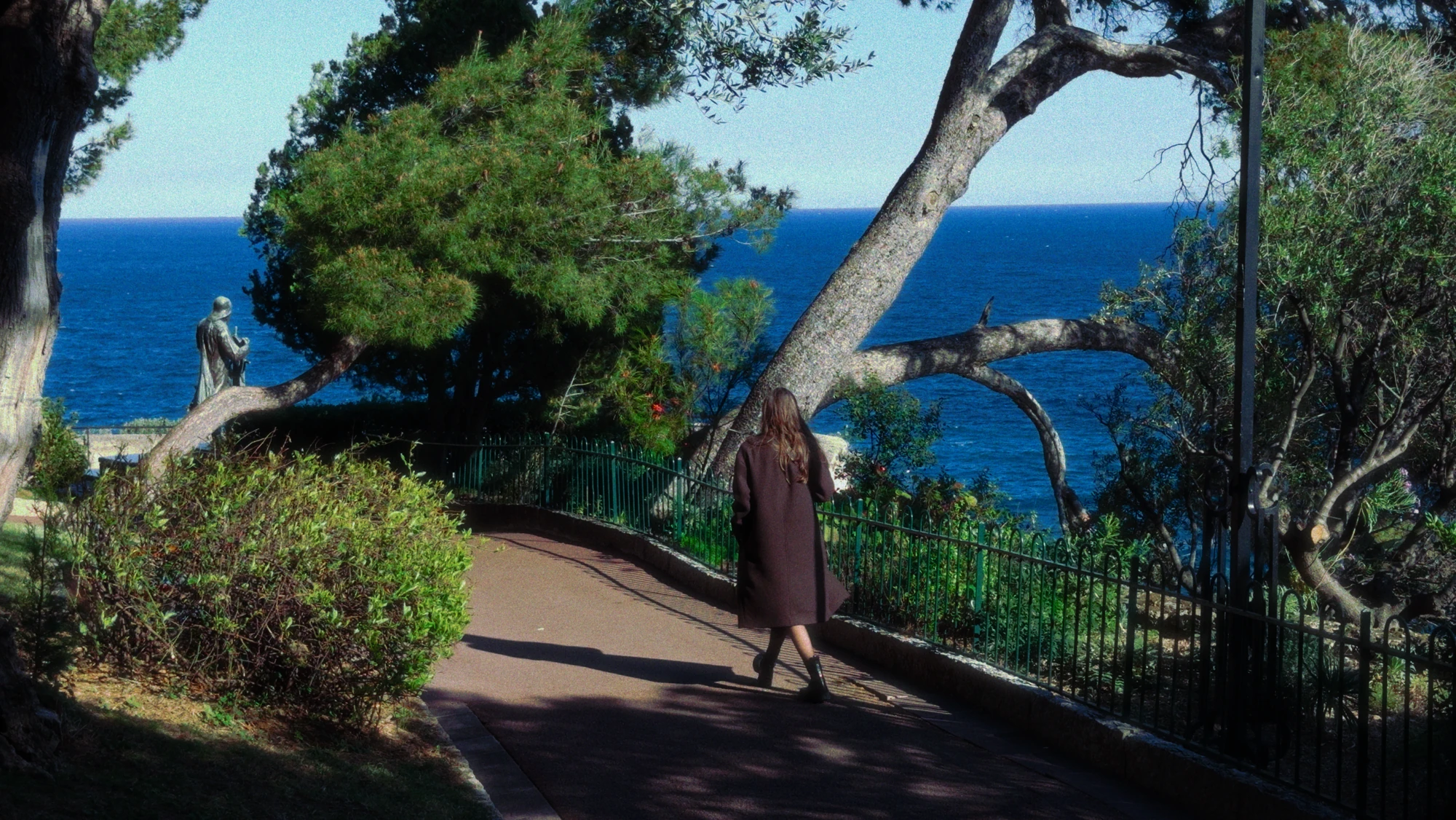
Apple Log footage looks grey and flat straight out of the camera. That is the point. It keeps more of the scene in the file, so you decide how the image looks later.
What is Apple Log?
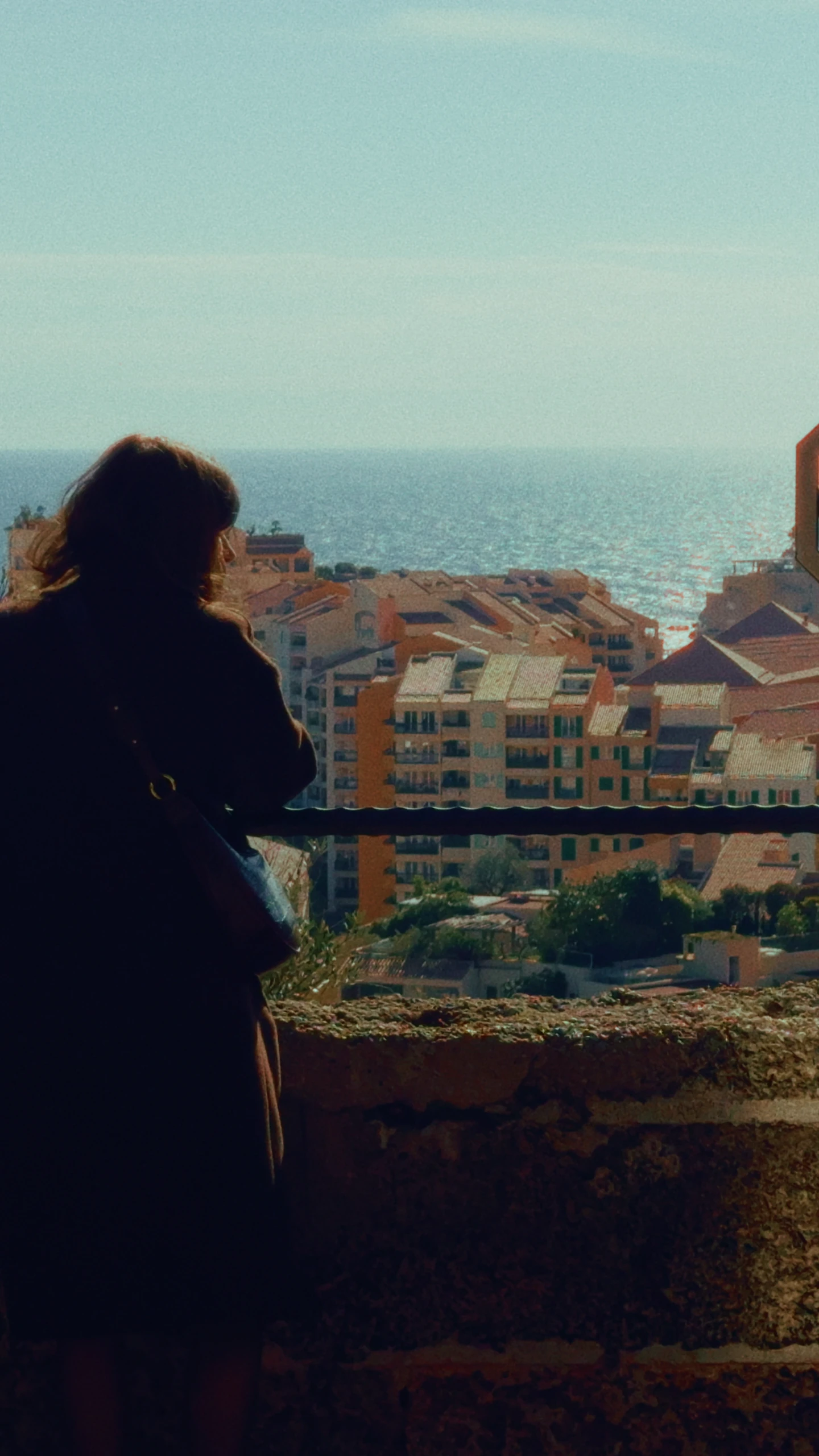
Log is a way of storing brightness. Standard video bakes in contrast and colour. Log instead compresses a wide range of highlights and shadows into a flat image, and that information stays available for the grade. Cinema cameras have worked this way for years.
Which iPhones record Apple Log?
According to Apple, log recording needs an iPhone 15 Pro or later Pro model, and iPhone 17 Pro and later can also use the newer Apple Log 2. Standard models do not record Log. Check Apple’s ProRes page for the current list.
How to turn it on
In Apple’s Camera app: open Settings, then Camera, then Formats. Turn on Apple ProRes and choose Log as the encoding. Menu names can shift between iOS versions. ProRes files are very large, so free up space first.
In DOPE: tap the format chip, and choose Apple Log under Colour where your iPhone offers it. DOPE films in HEVC.
How to expose for Log
- Protect the highlights. A blown-out sky stays blown out, even in Log.
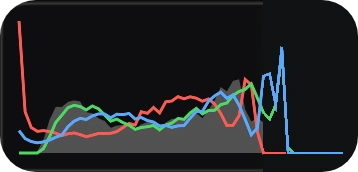
- Do not trust the flat picture. It always looks dull. Judge from a histogram or a preview look.
- Lock your white balance. Auto white balance can drift during a shot.
- Keep ISO low when you can. Noise shows up when you lift Log shadows.
How to grade Apple Log
Log footage needs a grade before anyone sees it. In most editors, the quick way is a LUT made for Apple Log, which maps the flat image to a finished one. A LUT made for standard video will not work well. Then adjust exposure and white balance until skin feels right.
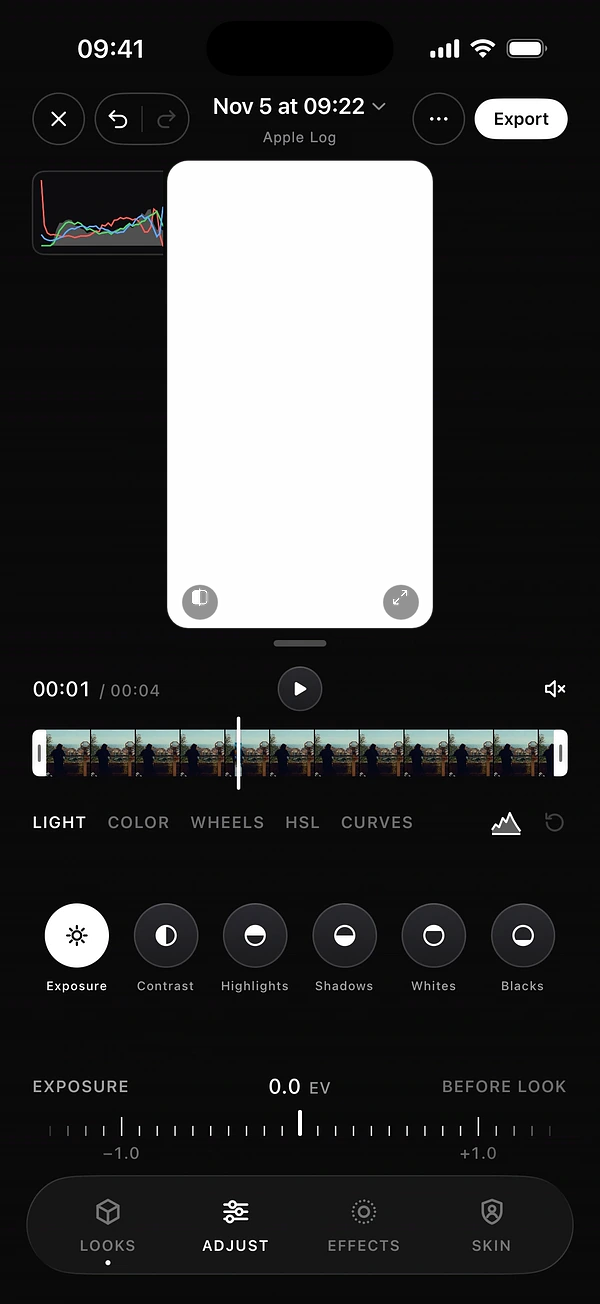
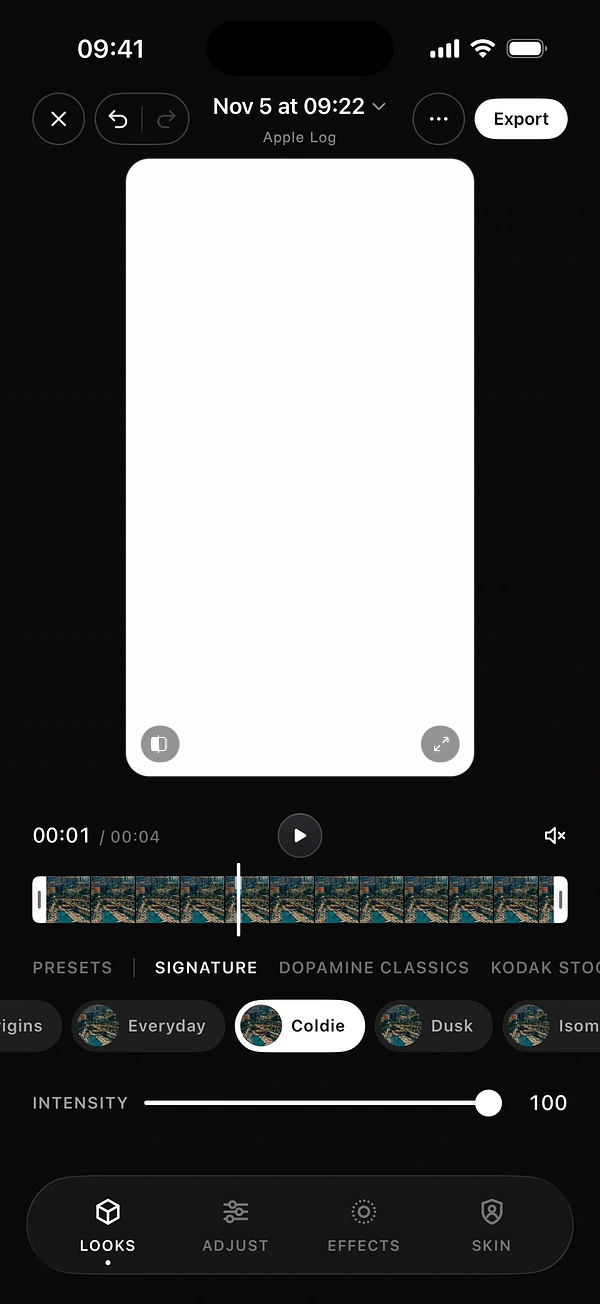
In DOPE, every look works fully with Apple Log and Apple Log 2. Import your clip with +: DOPE detects the format automatically, so each look is applied the right way. Tap the title in the editor if you need to change it.

See the look while you film
Log has one drawback: the picture you frame is grey. In DOPE, choose a look and set it to Preview only. You see the graded image, and the file stays flat Apple Log for grading. Or choose Baked in and the clip is finished as you see it.
Should you shoot Log at all?
Shoot Log when you want full control and have time to grade: a short film, a client piece, a tricky mix of bright sky and dark shadow. Skip it for quick social clips, because every clip needs work. Getting the look right while you film is often the better call.
Questions
Why does Apple Log look washed out?
Log stores a wide range of brightness in a flat image. It is meant to be graded before anyone sees it.
Which iPhones record Apple Log?
According to Apple, log recording needs an iPhone 15 Pro or later Pro model.
Do DOPE looks work with Apple Log 2?
Yes. Every DOPE look works fully with Apple Log and Apple Log 2.
Should I always shoot in Log?
No. Log needs grading on every clip, so it is best when you have time for it. For quick content, a look baked in while you film is often better.
Keep reading