
 None
 Origins
 Everyday
 Coldie
How to make iPhone videos look cinematic
Your iPhone already films in 4K. What makes video feel like a movie is rarely resolution. It is motion, light and colour, and you control all three.
1Film at 24 frames per second
Most films are shot at 24 fps. Higher frame rates read as smoother and more like live TV. Keep 60 fps for shots you plan to slow down. In DOPE, tap the format chip at the top right to pick your frame rate.
2Keep your shutter at twice your frame rate
This is the classic 180-degree rule. At 24 fps, aim for about 1/48, or 1/50 in practice. It gives movement the soft blur we know from cinema. A very fast shutter in bright sun makes motion look choppy.
The iPhone normally chooses the shutter for you. In DOPE, open Settings, then Manual, and turn on Manual controls. ISO, SHUTTER, WB and FOCUS appear at the top, and shutter can be set as an angle or a speed. In full daylight you will also need a neutral density filter to hold it.
3Lock focus and exposure
Nothing says “phone” like brightness pumping in the middle of a shot. Set it before you record, then leave it. In DOPE, tap to focus and expose on your subject. When the scene changes, DOPE goes back to auto. To hold them for the whole shot, set them in Manual controls.
4Choose your light before you press record
Light does more than any setting. Turn your subject towards a window, or film in the hour after sunrise or before sunset. Avoid harsh overhead light. If a shot looks flat, move your subject or yourself before you change anything else.
5Move less, and move on purpose
Handheld wobble is the second giveaway. Use two hands, tuck your elbows in and walk with bent knees. Plan your camera moves: one slow push towards a subject beats ten quick pans. In DOPE, Stabilisation offers Off, Standard and Cinematic. Try Cinematic for walking shots.
6Use a longer lens for people
The wide lens stretches faces and shows everything in the room. Step back and use a longer lens if your iPhone has one. You get more flattering faces and less clutter behind them. Keep the wide lens for places and big scenes.
7Grade the colour
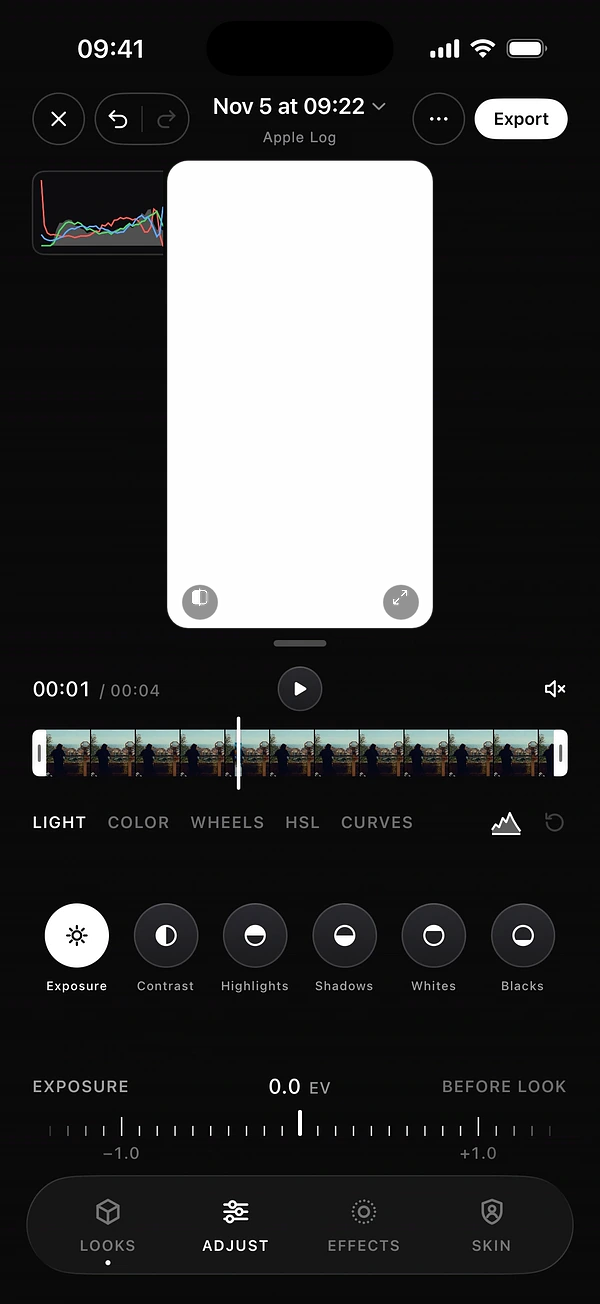
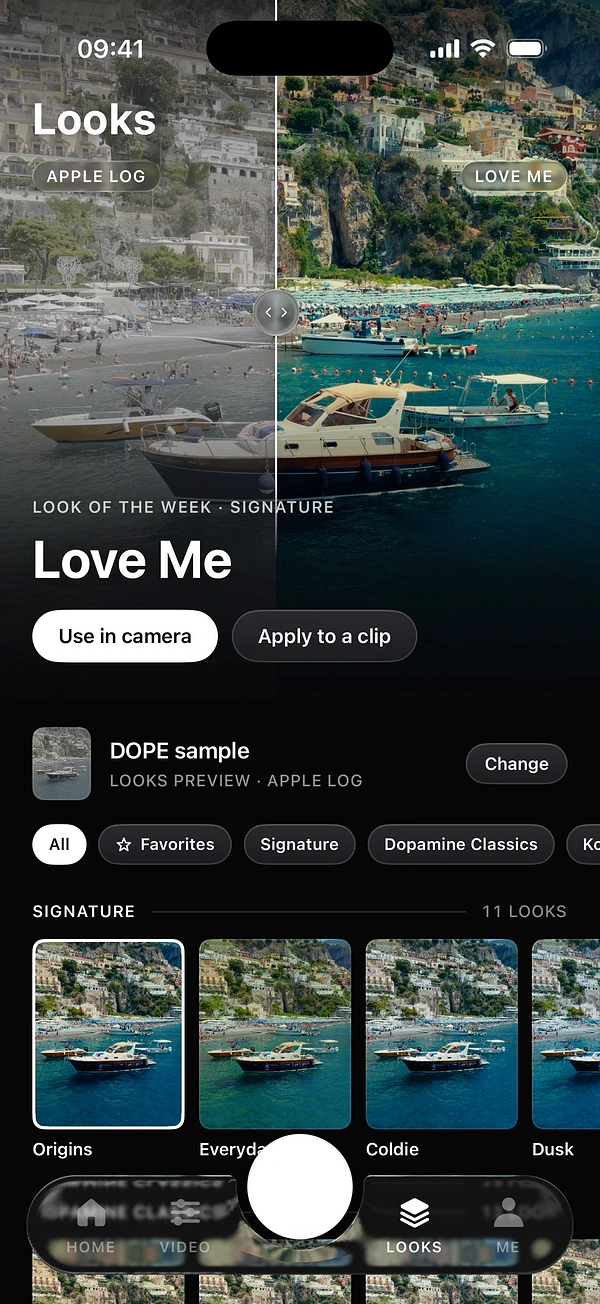
Colour is what your eye reads first. Cinema images have deliberate colour: controlled highlights, deep shadows, skin that holds up. Many filmmakers grade with a LUT after the shoot. DOPE works differently: you pick one of its looks, in the camera or on a clip you already have, and you see the result as you frame. To go further, read how to color grade on iPhone.
8Add a little film texture
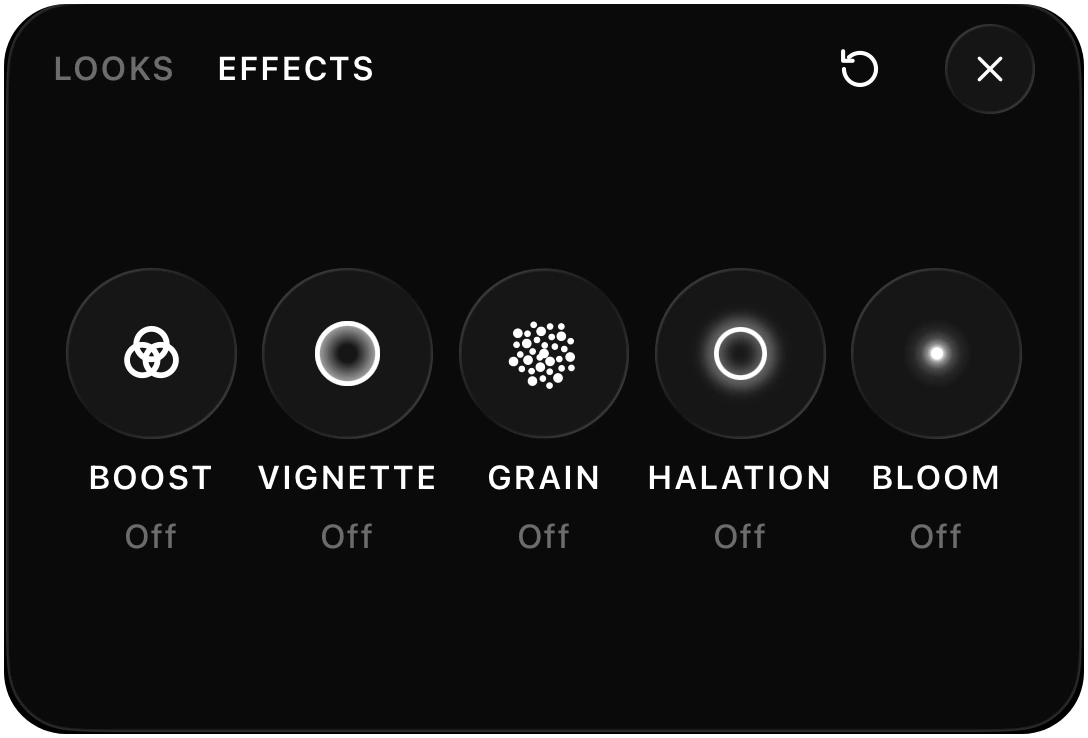
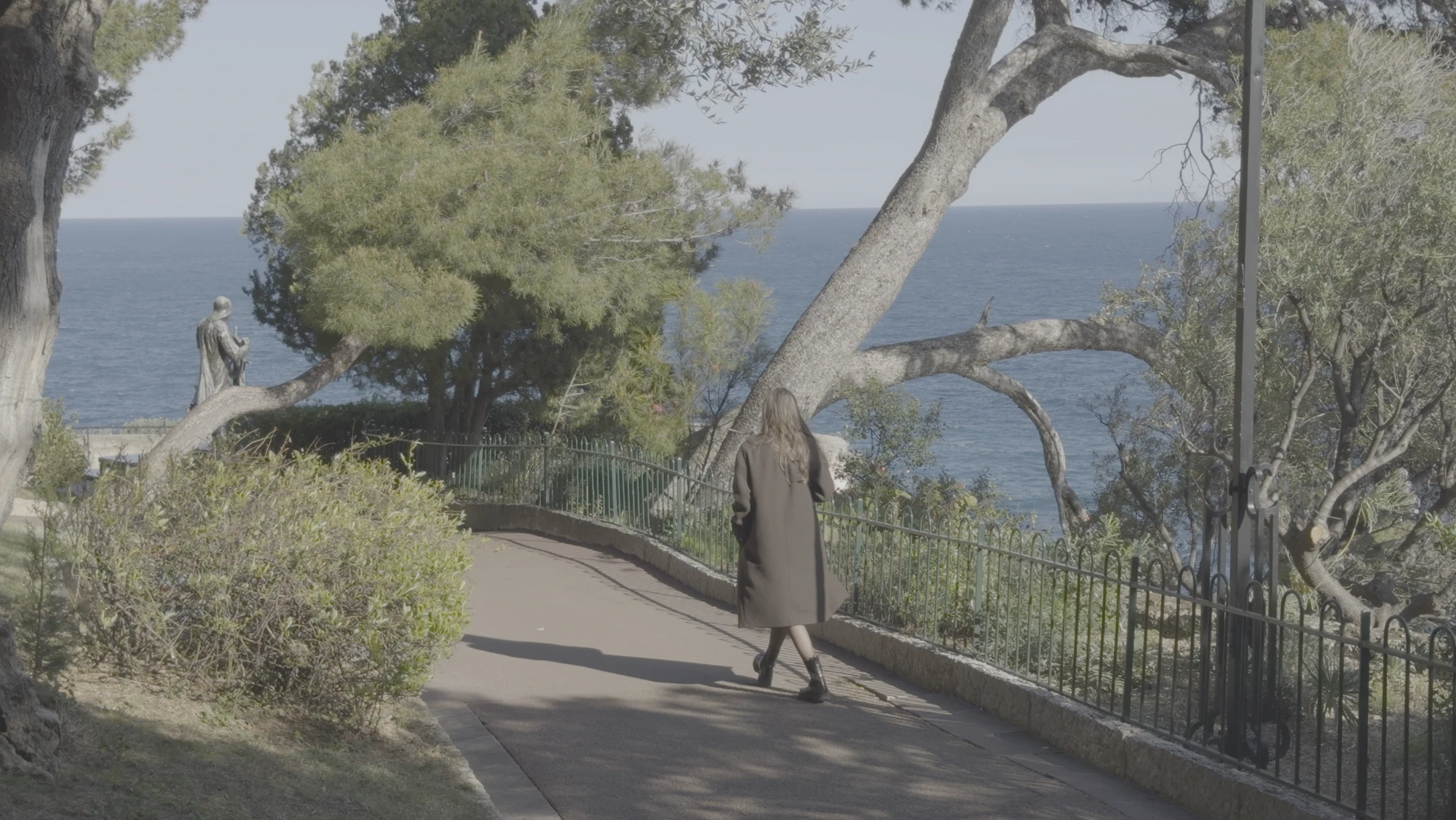
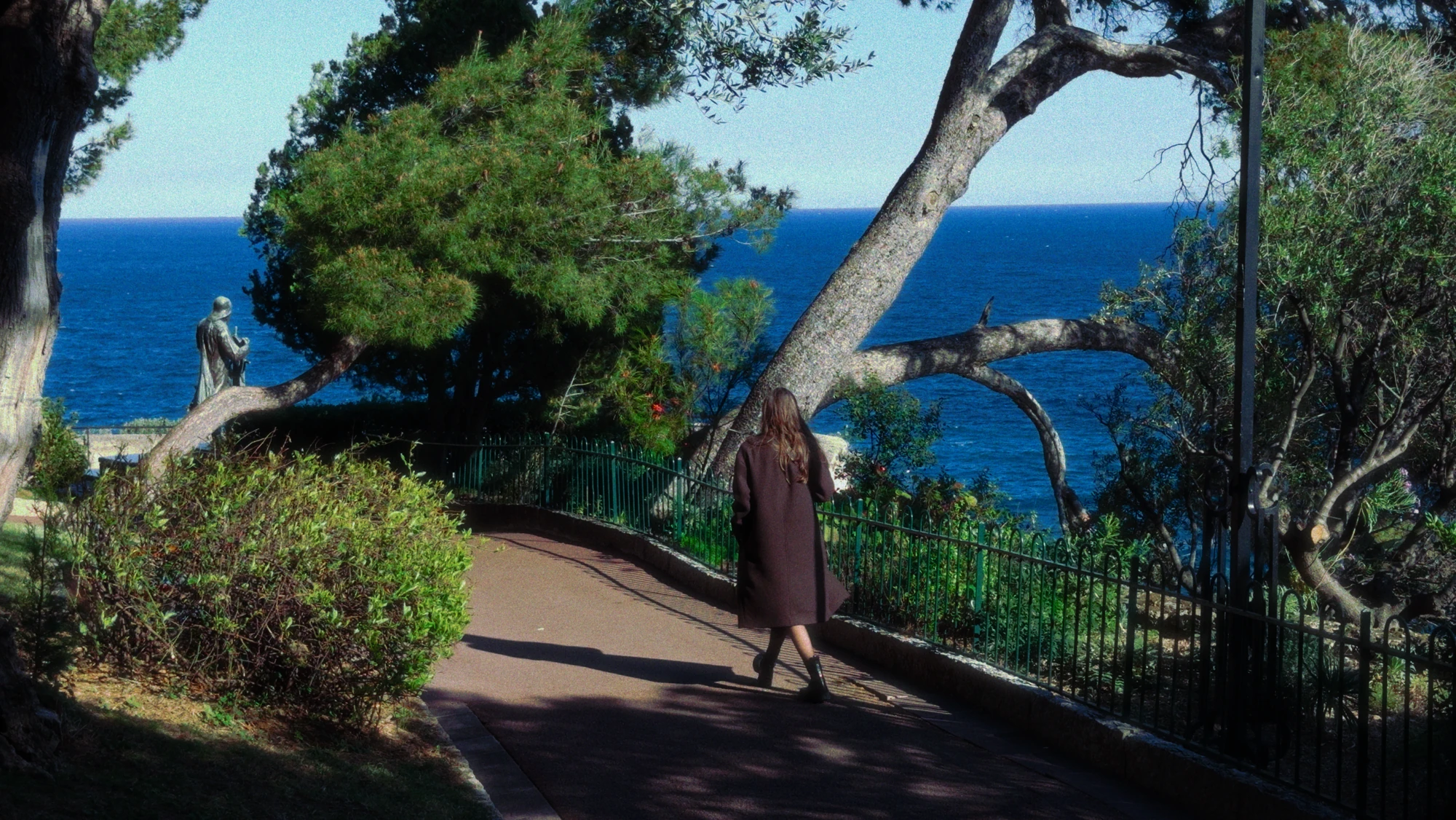
Digital video is very clean. A touch of grain, halation and bloom takes the edge off. Keep it subtle. If people notice the effect before the subject, it is too strong.
The short version
- 4K at 24 fps, shutter near 1/50.
- Focus and exposure set before you record.
- Good light first, then slow, deliberate movement.
- A longer lens for people.
- One strong colour look and a little texture.
Questions
What is the best frame rate for cinematic video on iPhone?
24 fps. It is the frame rate most films use. Keep 60 fps for shots you plan to slow down.
What shutter speed should I use at 24 fps?
Around 1/48 or 1/50 of a second, which is a 180-degree shutter.
Is resolution what makes video cinematic?
Not on its own. Motion, light and colour matter far more than extra pixels.
Keep reading