
 None
 Origins
 Everyday
 Coldie

DOPE guides
Shoot it like cinema.
How to shoot and grade video on iPhone that looks like cinema, and how to get the most from DOPE.
Using DOPE
How to use DOPE
From first launch to a graded video on your feed: pick a look, record, export. A step-by-step guide to the DOPE camera and video editor for iPhone.
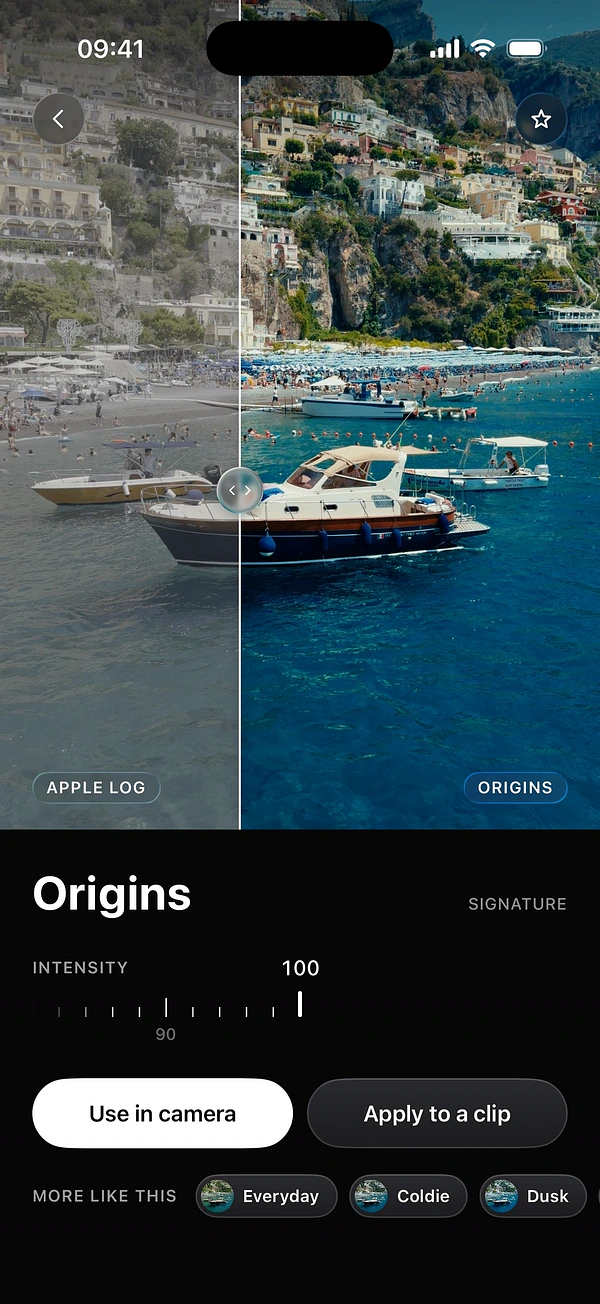
How to choose the right look
How to browse 100+ film looks in DOPE, preview them on your own clip, save favourites, set intensity, and choose between Baked in and Preview only.
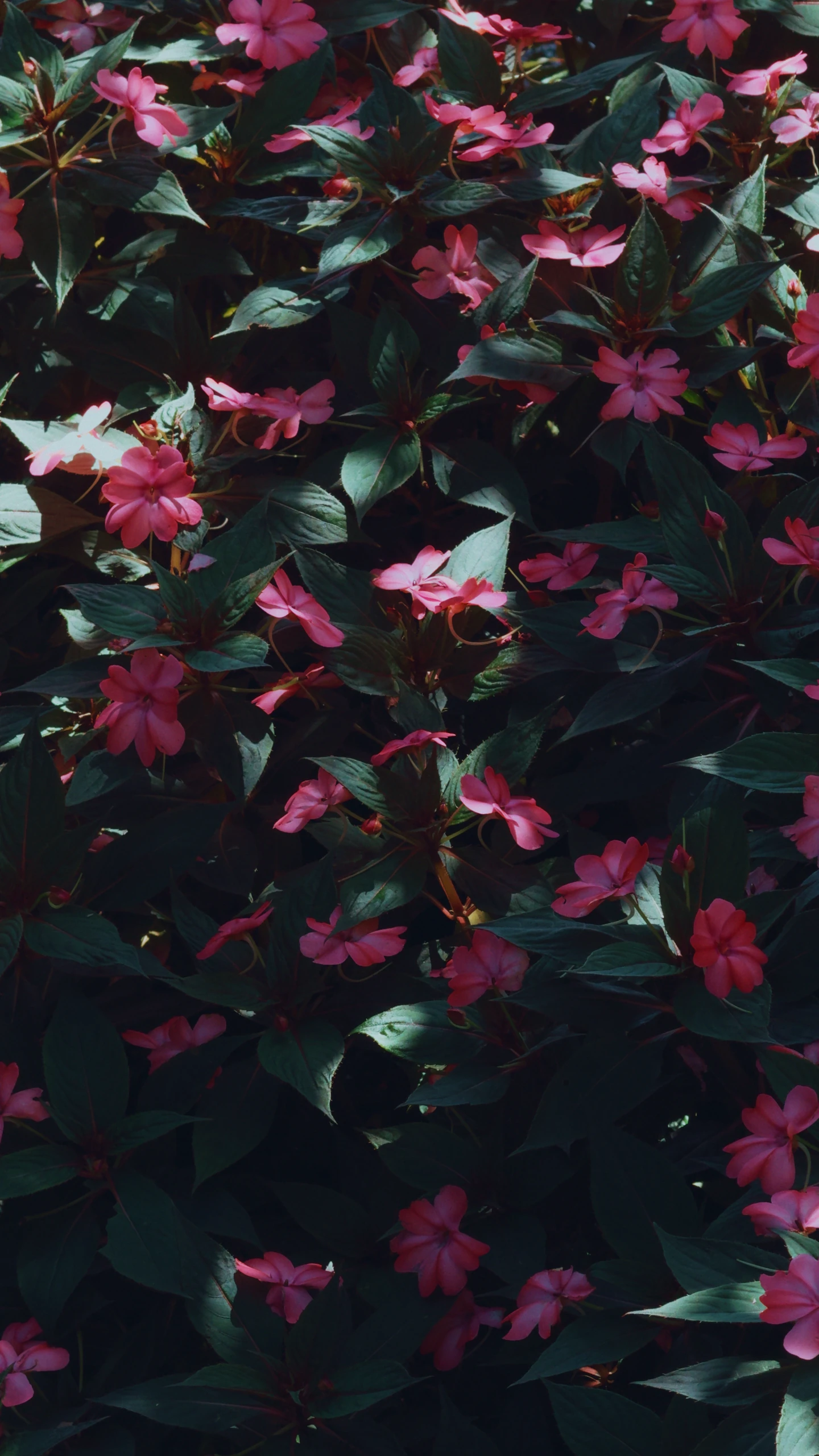
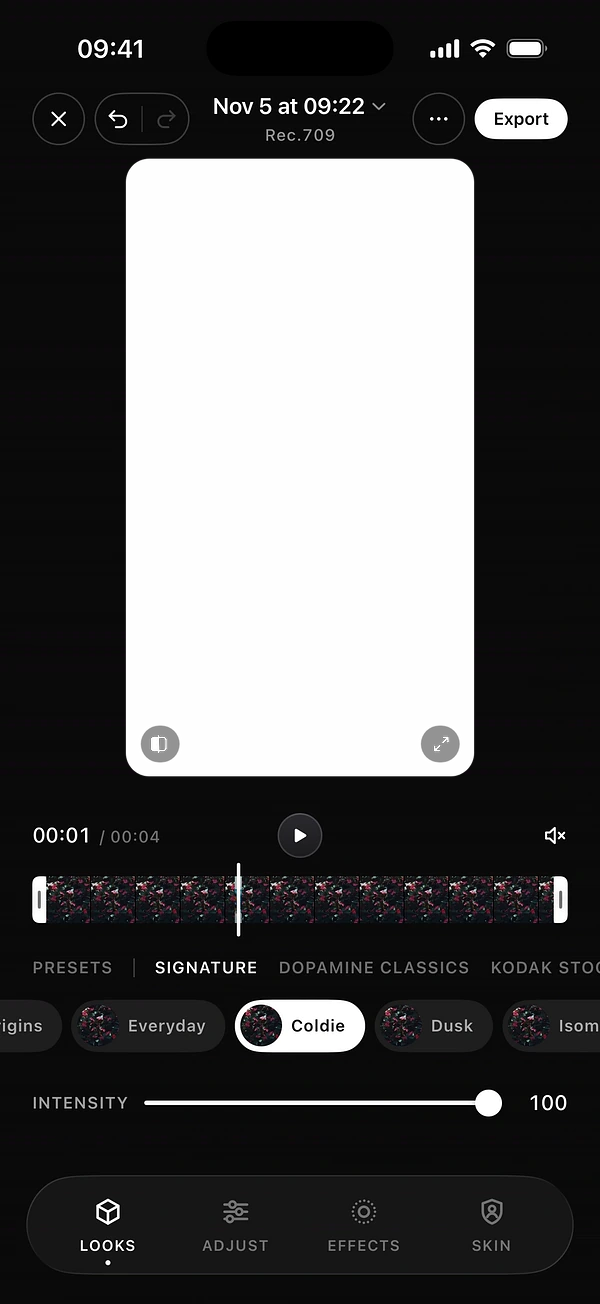
How to color grade a video on iPhone
Import a clip, choose a look, fix light and colour, then add film effects and protect skin tones. A complete colour grading workflow on your iPhone.

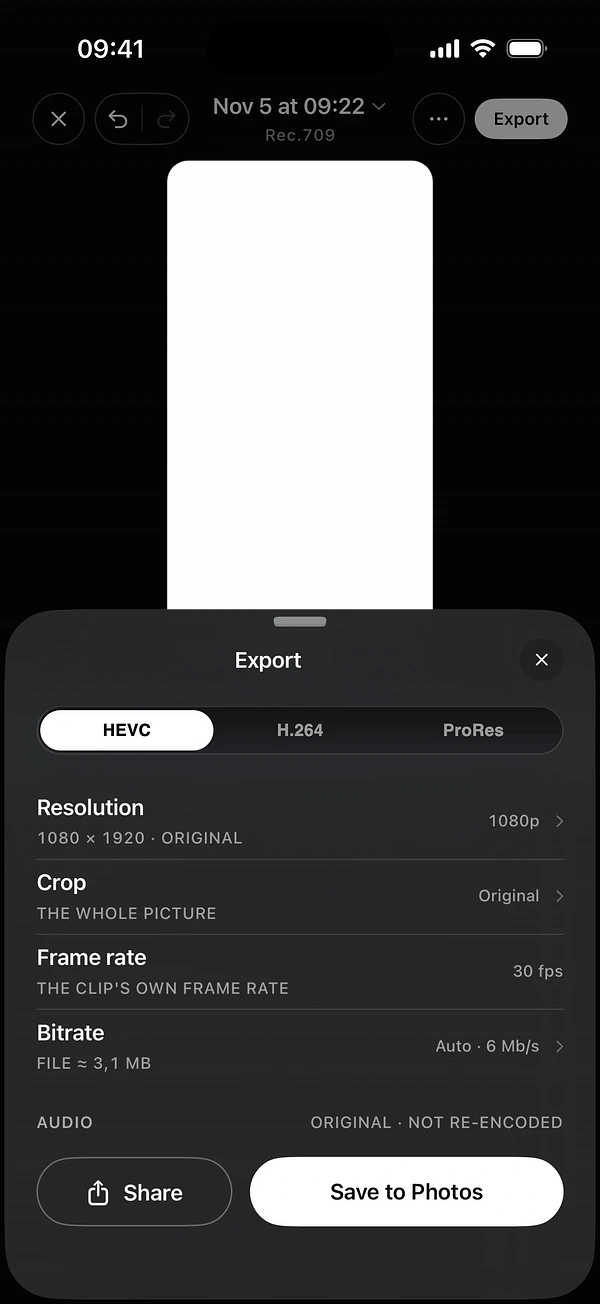
How to export for Reels, TikTok and Shorts
The right crop, codec, bitrate and safe zones for Instagram Reels, TikTok, Story and YouTube Shorts when you export video from your iPhone with DOPE.
Filmmaking on iPhone
How to make iPhone videos look cinematic
Why iPhone video looks like phone video, and 8 steps to fix it: frame rate, shutter, exposure, light, movement, framing, colour grading and film texture.

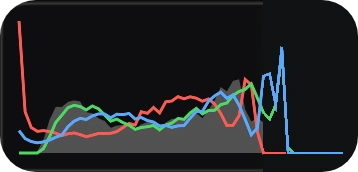
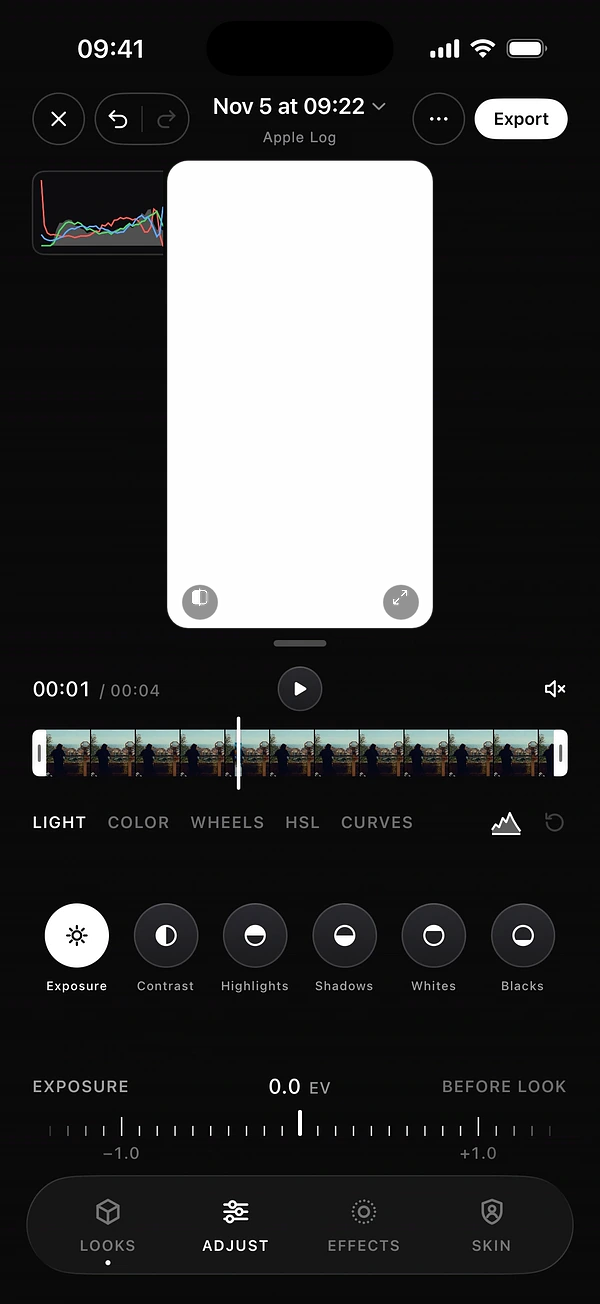
Apple Log on iPhone, explained
What Apple Log is, which iPhones record it, how to turn it on, how to expose for it and how to grade it. A plain guide for iPhone filmmakers.
How to use LUTs on iPhone
What a LUT is, the difference between a technical and a creative LUT, how to apply one on iPhone, and the mistakes that make footage look wrong.
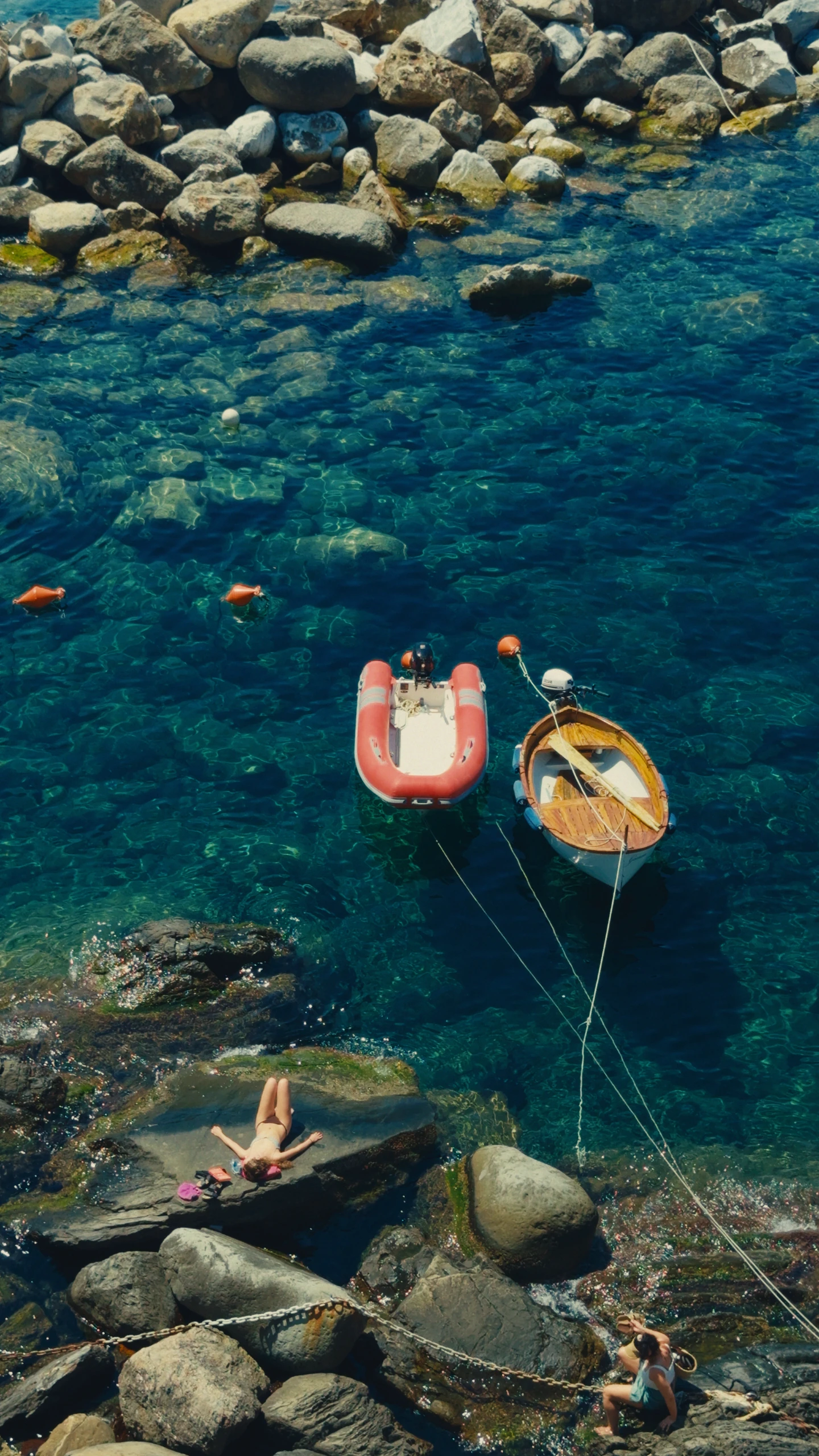
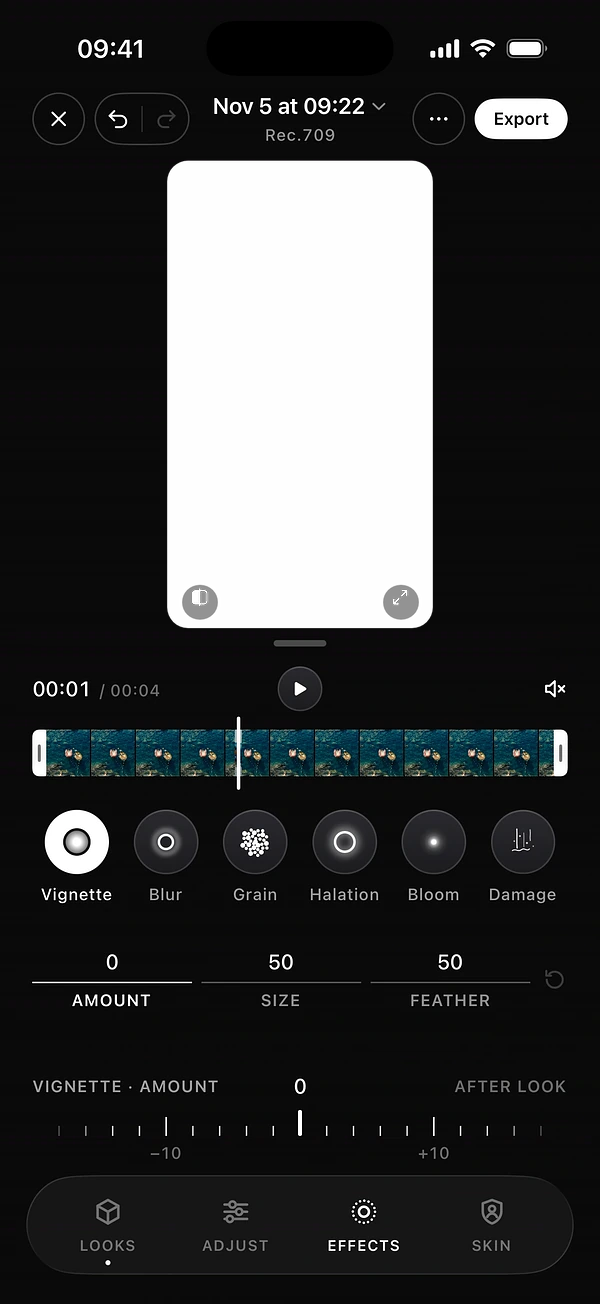
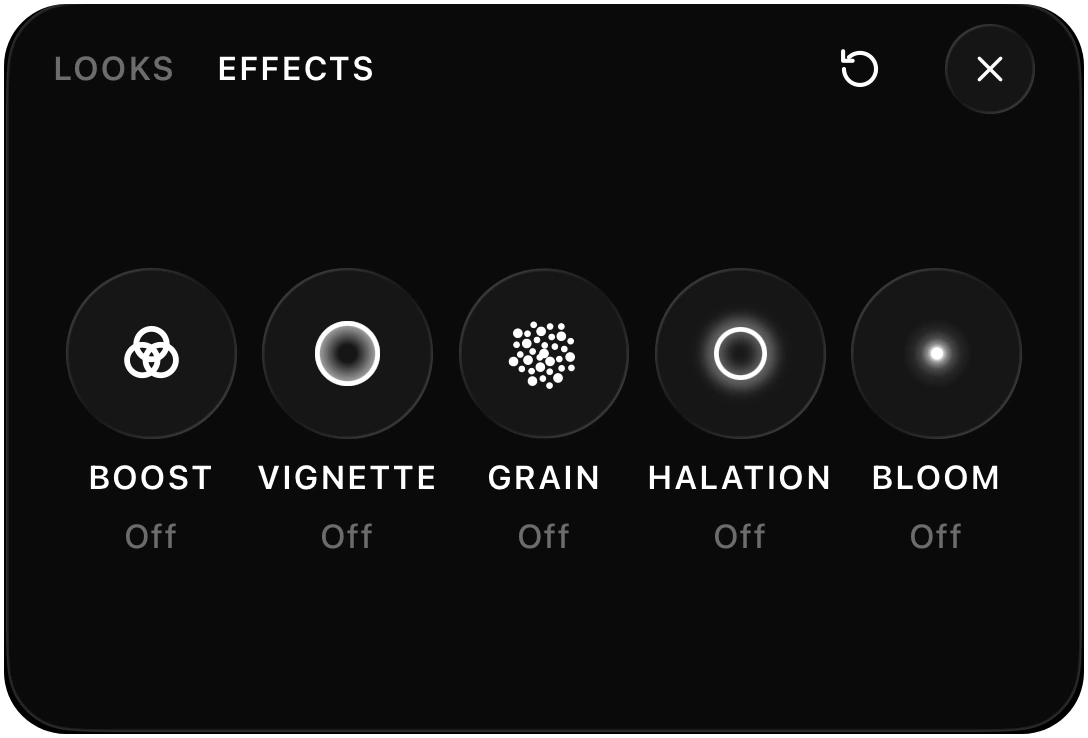
Film effects on iPhone, explained
What vignette, blur, grain, halation, bloom and damage really do, when to use each one, and how to add them to your iPhone video with DOPE.