 None
 Origins
 Everyday
 Coldie
How to use LUTs on iPhone
A LUT is the fastest way to give a clip a finished look. It works best when you know what it was built for.
What is a LUT?
LUT stands for look-up table. It is a list that says: when you see this colour, change it to that colour. Applied to every pixel, it transforms the whole image in one step. LUTs usually come as .cube files. Some video apps use the word look, preset or filter for the same idea.
Technical LUTs and creative LUTs
- Technical LUT
- Converts footage from one format to another, such as Apple Log to standard video. It gives you a neutral image to work from.
- Creative LUT
- Adds a style: a warm film stock, cold shadows, faded blacks. Some also do the conversion, others expect converted footage.
Match the LUT to your footage
This one rule explains most bad results. A LUT is built for one kind of input. Put an Apple Log LUT on standard iPhone video and you get crushed shadows and heavy colour. Put a standard video LUT on Log and the image stays washed out. Check what the LUT was made for before you judge it.
How to apply a look on iPhone
- After the shoot. Import your clip into an editor that accepts LUTs, apply one, and adjust it.
- While you film. A camera with live looks shows the grade in the viewfinder, so you can frame and light for the final image.
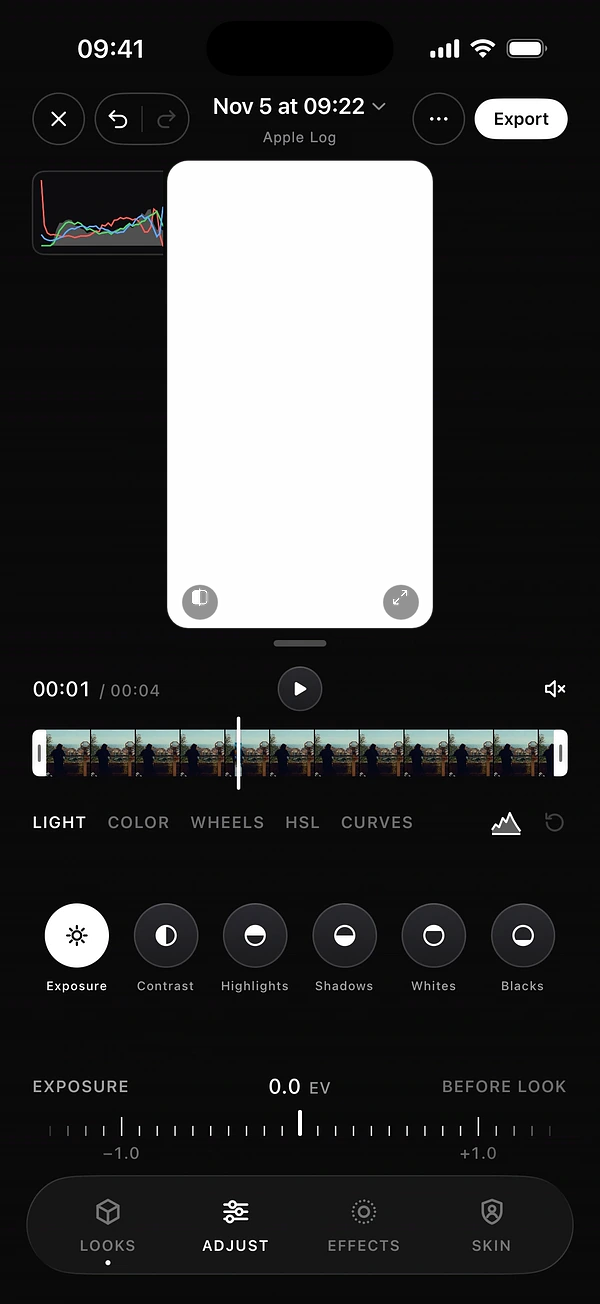
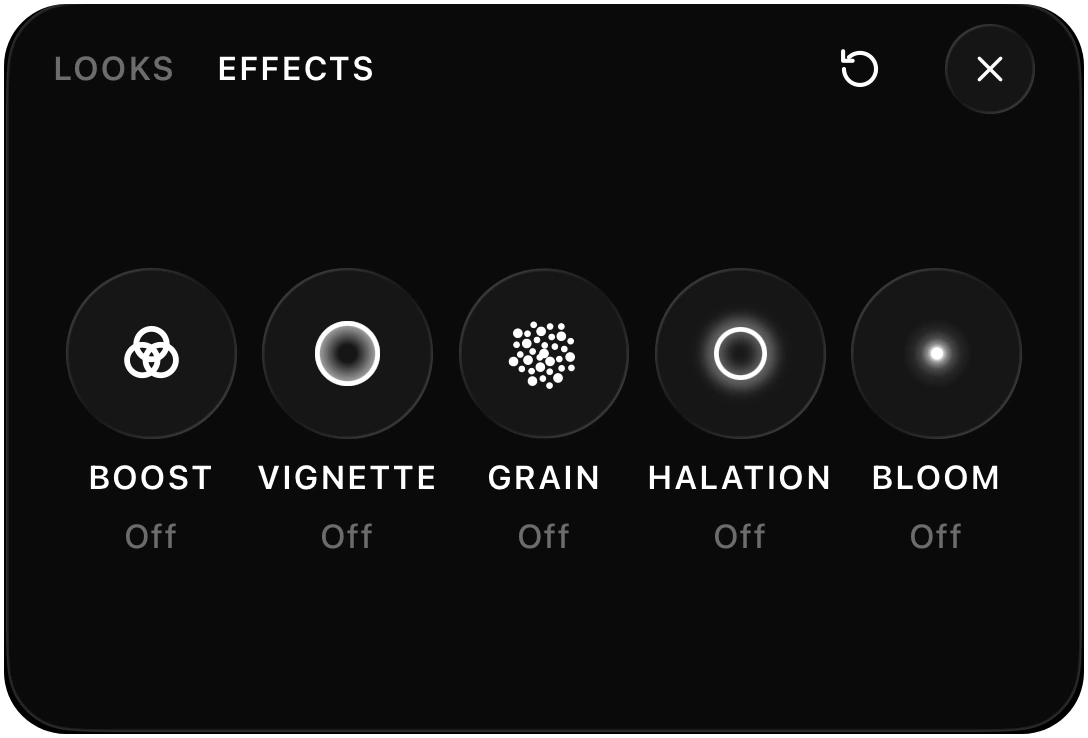
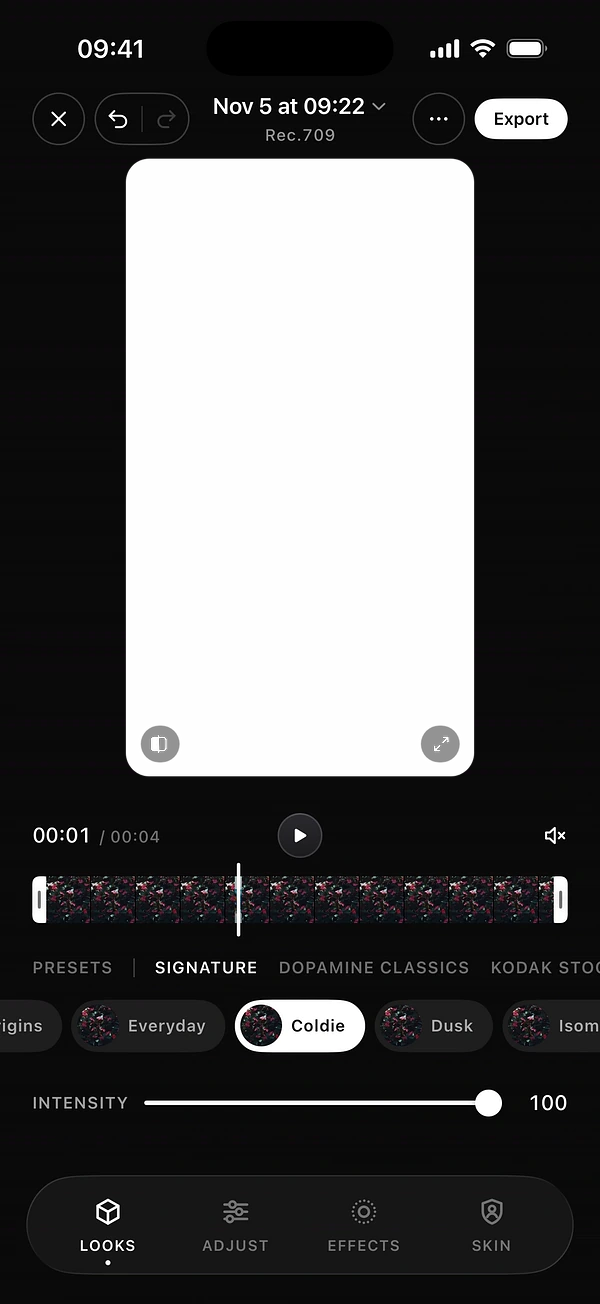
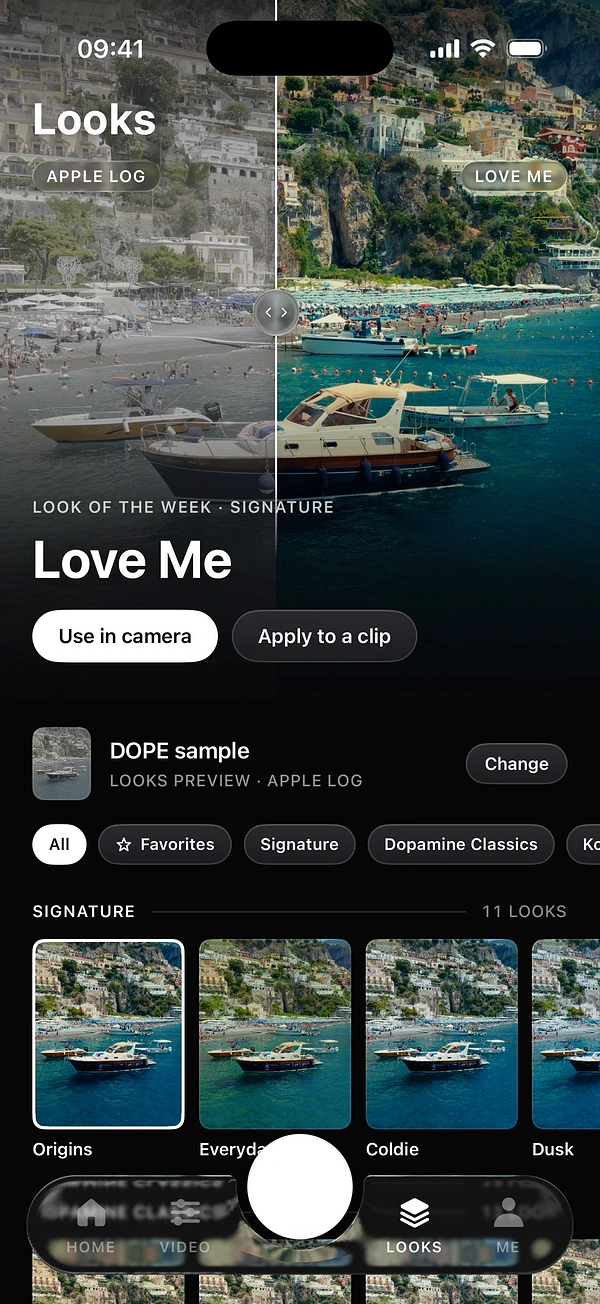
DOPE does not import LUTs: it has its own looks instead, and they work in both moments. Choose a look in the camera panel, or import a clip and use the Looks tab in the editor. DOPE knows when a clip is Apple Log or HDR, so you never have to find the right version of a LUT.
Four mistakes to avoid
- Grading bad exposure. A LUT does not rescue a clip that is far too bright or too dark. Fix exposure first.
- Leaving it at full strength out of habit. Pull the intensity back if it feels forced.
- Ignoring skin. Faces are the first thing viewers notice. If they look wrong, the look is too strong.
- Mixing looks in one video. Use one look per scene so your clips feel shot on the same day.
How DOPE handles looks
A LUT is a fixed colour table. DOPE looks go further: each of the 100+ looks is the result of in-depth colour work by the colorists of Dopamine Frame, in families such as Signature, Kodak Stocks, Fuji Stocks and B&W. You see the look live in the viewfinder, and set its Intensity. Bake it into the file, ready to post, or keep it as a preview and leave the file clean. Read how to choose the right look.
Questions
What does LUT stand for?
Look-up table. It is a list that maps each input colour to an output colour.
Why does my LUT look wrong?
It was probably built for a different kind of footage, such as a Log LUT on standard video. Check what it was made for.
Can I import my own LUTs into DOPE?
No. DOPE does not import LUTs. It has 100+ looks of its own, made by the colorists of Dopamine Frame, that go further than a simple LUT.
Keep reading