 None
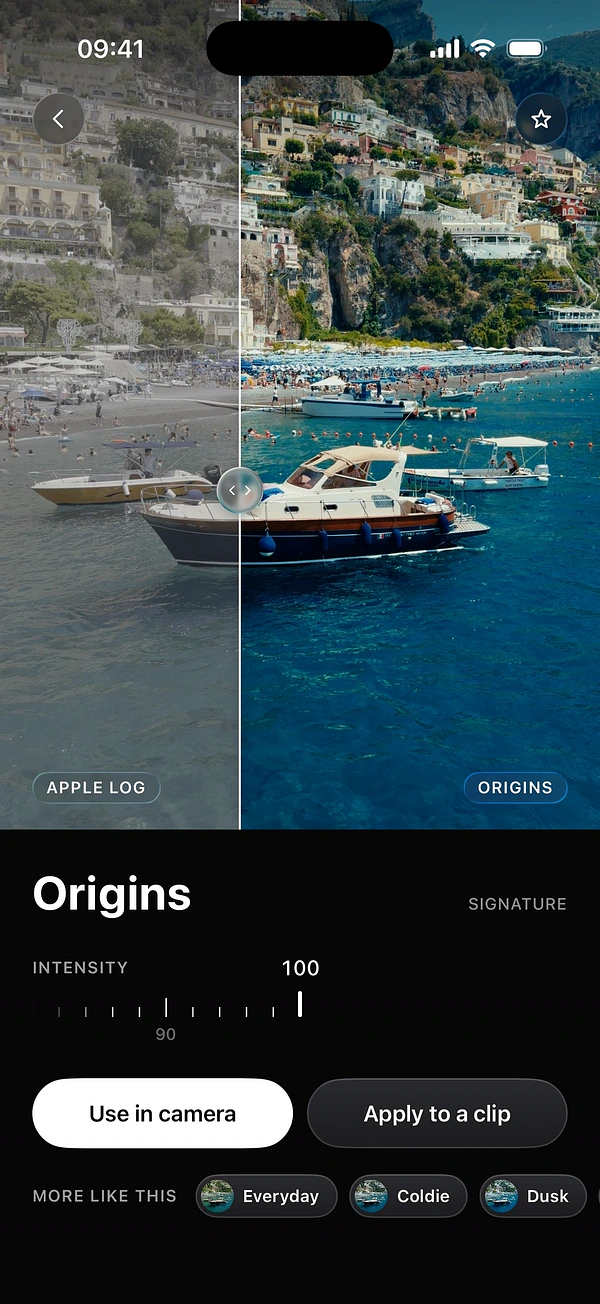
 Origins
 Everyday
 Coldie
How to use DOPE
DOPE opens on the camera. Pick a look, press record, and your clip comes out graded. Here is the whole path, from your first launch to your feed.
Before you start
At first launch, DOPE shows a short introduction, then DOPE Pro. Yearly and Monthly start with 7 days free. If you already subscribed, tap Restore. If you bought on the web, open the link from your purchase email on your iPhone.
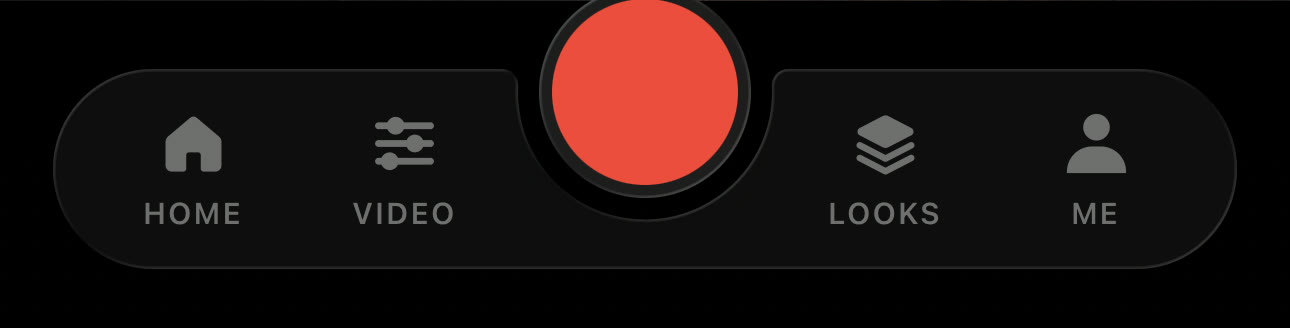
After that, every launch opens straight on the camera. The bar at the bottom has four tabs, Home, Video, Looks and Me, with the shutter in the middle.
1Pick a look
Tap the Looks tool at the bottom left of the viewfinder. A panel opens with every family of looks. Swipe the family names, then tap a look. The whole viewfinder changes at once.
As soon as a look is on, Intensity appears. Drag it to set how strong the look is, from 0 to 100. Close the panel, then press and hold the image to see the original.
2Check your format
The chip at the top right shows your current format, such as 4K · 30 · HDR. Tap it, or the gear, to open Settings. Choose your resolution, frame rate and colour. Pick 24 fps if you want the most film-like motion. See how to make iPhone videos look cinematic.
3Record
Tap the red shutter, or press a volume button. Frame for the image you see: it is the look your viewers will get. Filming for a feed? In Settings, under Framing, turn on Frame, choose 9:16 or 4:5, then turn on Safe zones.
4Fine-tune, if you want to
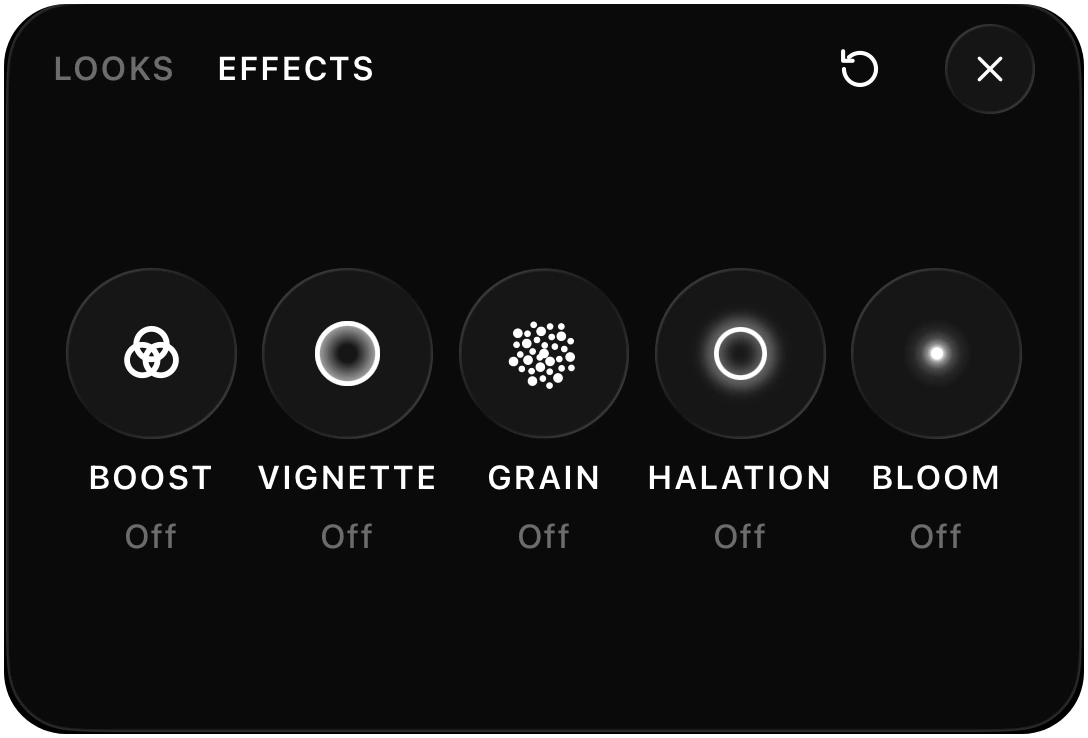
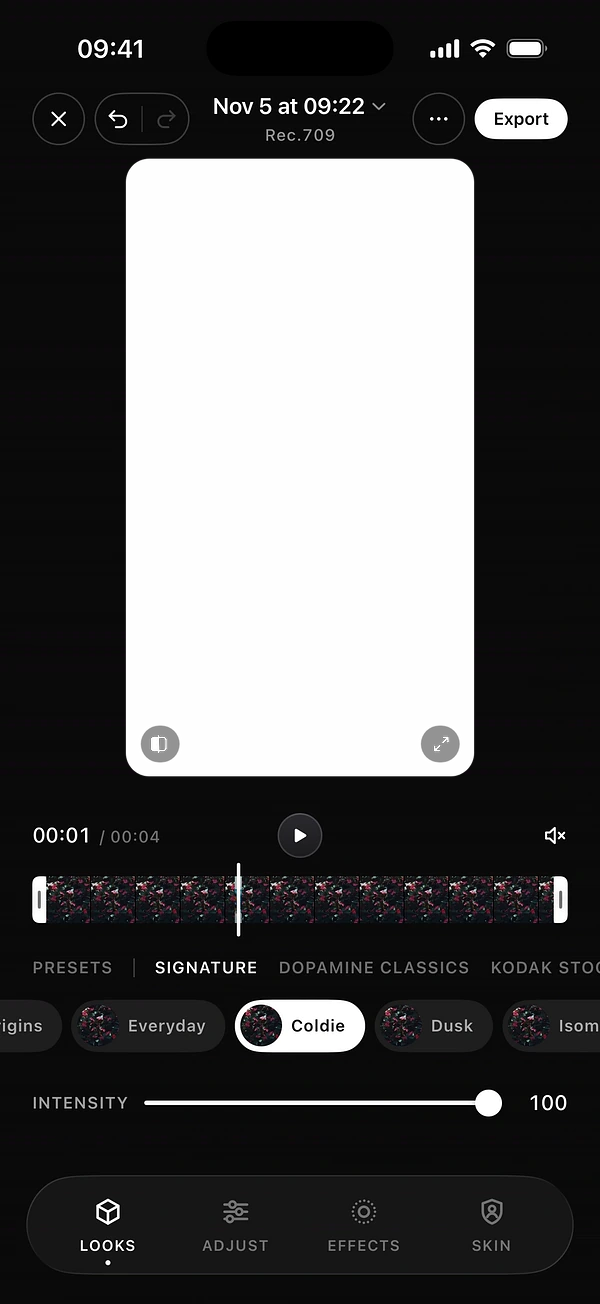
Your clip is now a project. Find it on Home, or in the Video tab. Open it to change the look, adjust colour and add film effects. All of that is optional. For the full tour, read how to grade a video on iPhone.

5Export and post
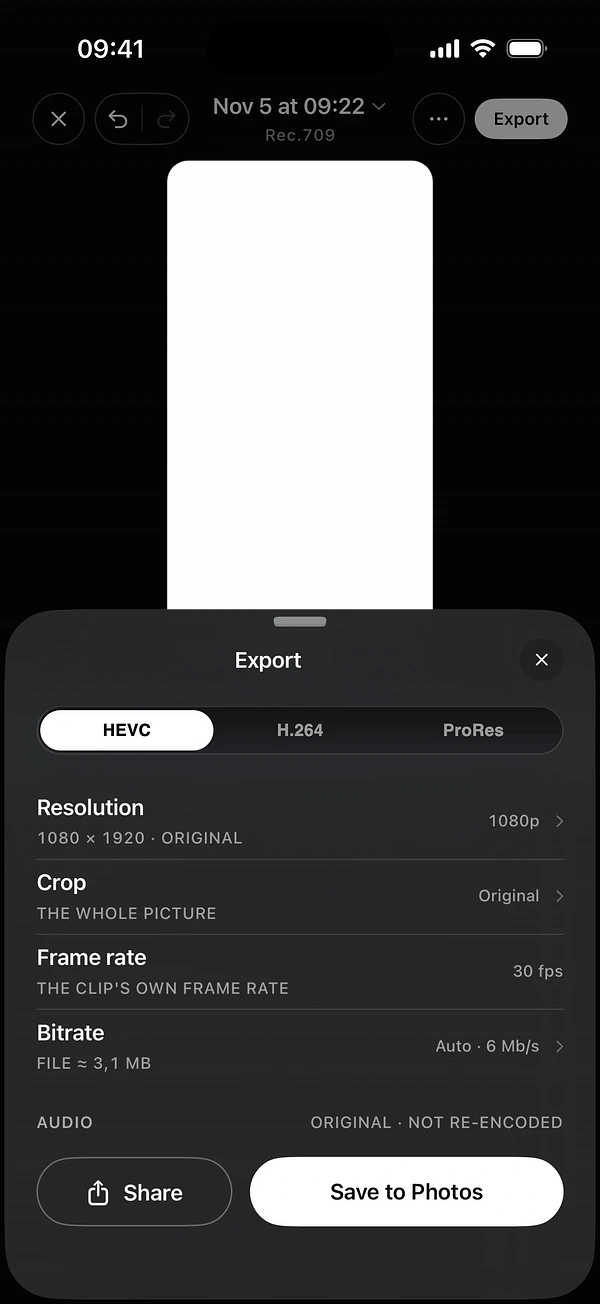
Tap Export, then Share or Save to Photos. Crop to 9:16 for Reels, TikTok and Shorts, and DOPE shows you where each app’s buttons will sit. See how to export for Reels, TikTok and Shorts.

Questions
Do I need an account to use DOPE?
No. There is no account and no sign-in. Your clips and projects stay on your iPhone.
Can I use DOPE without a subscription?
DOPE needs DOPE Pro, which unlocks every look and every tool. Yearly and Monthly start with a 7-day free trial.
I subscribed on joindope.app. How do I activate DOPE Pro?
Open the link from your purchase email on your iPhone. The link is valid for 60 minutes, and a new one is sent if it has expired.
Keep reading