 None
 Origins
 Everyday
 Coldie
How to choose the right look
DOPE has more than 100 looks. You do not need all of them. You need the one that fits this scene, and a clear choice about what ends up in the file.
Start in the Looks tab
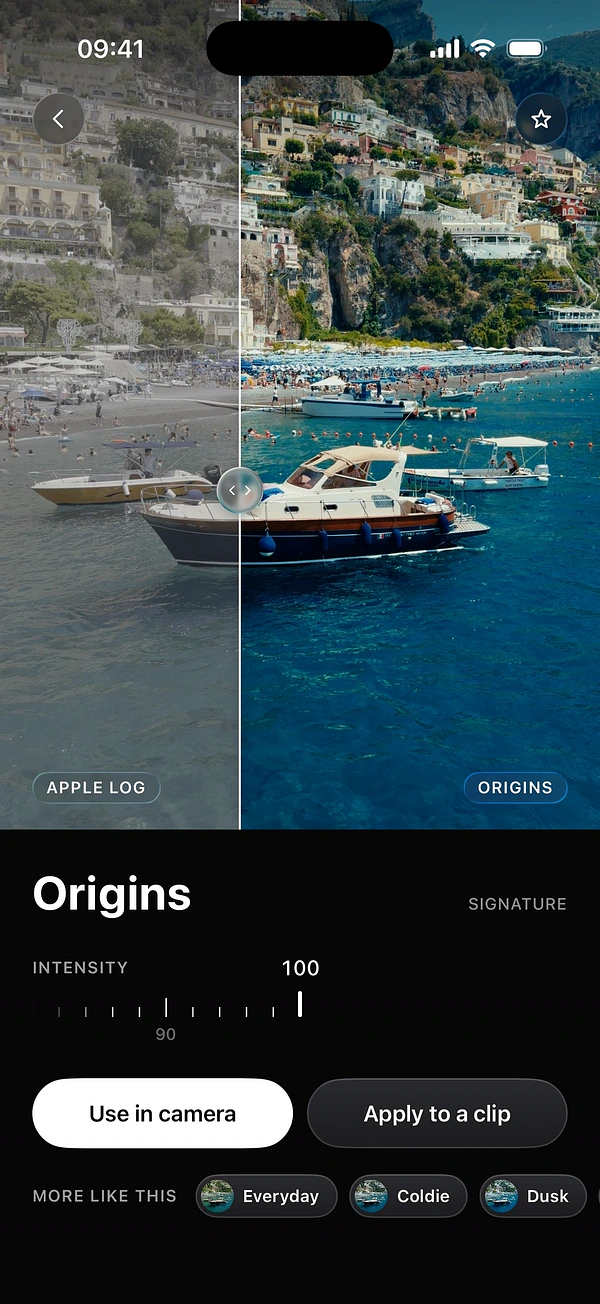
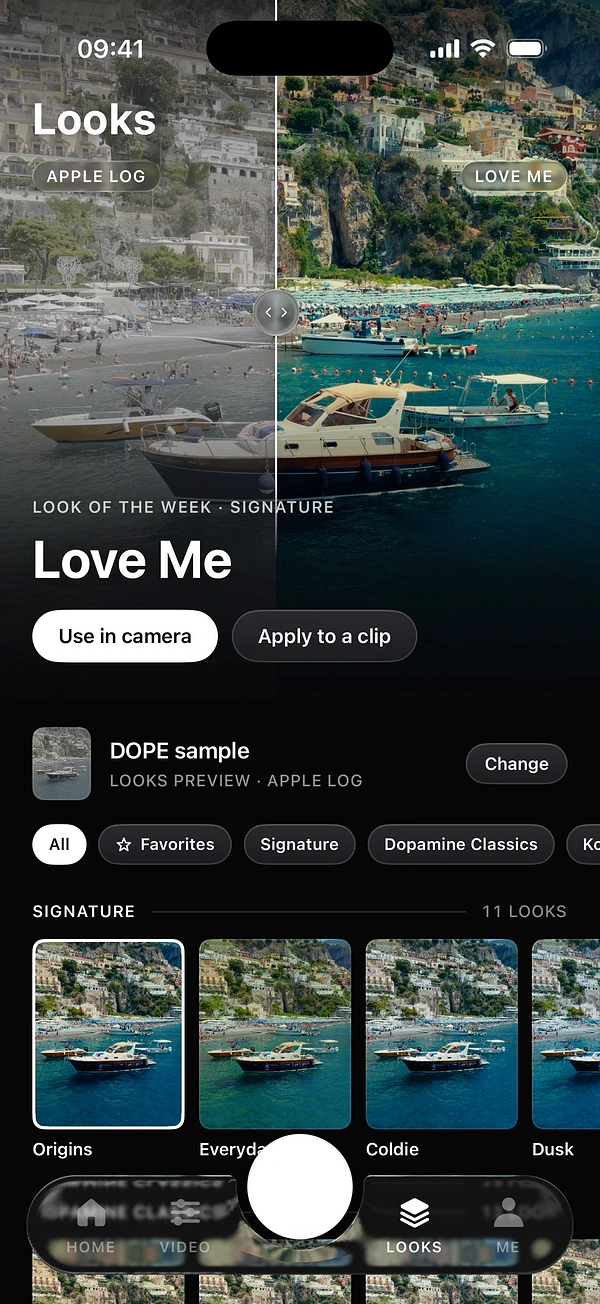
The Looks tab shows the look of the week, then the whole library. Drag across the big image to compare before and after. Tap Use in camera to film with that look, or Apply to a clip to use it on a video you already have.
Tap Change to preview every look on another image. Your own footage tells you more than any sample.
Know the families
Looks are grouped by mood and origin, so you can start from what you want to feel.
- Signature
- The DOPE house looks. Start here.
- Kodak Stocks and Fuji Stocks
- Inspired by film stocks.
- Dopamine Classics
- The looks Dopamine Frame is known for.
- Vintage
- For an older, worn feel.
- Moods
- For a strong emotional colour.
- Summer and Seasons
- Colour that fits the time of year.
- Mono Looks and B&W
- Single-tone and black and white.
Match the look to the light
- Harsh midday sun: a softer film look calms the contrast.
- Golden hour: the light already does the work, so keep the intensity moderate.
- Night and neon: try a look with deep shadows, and check that skin stays believable.
- Overcast days: a stronger look gives a flat scene some character.
- Interviews and faces: judge on the skin first and the background second.
Set the intensity
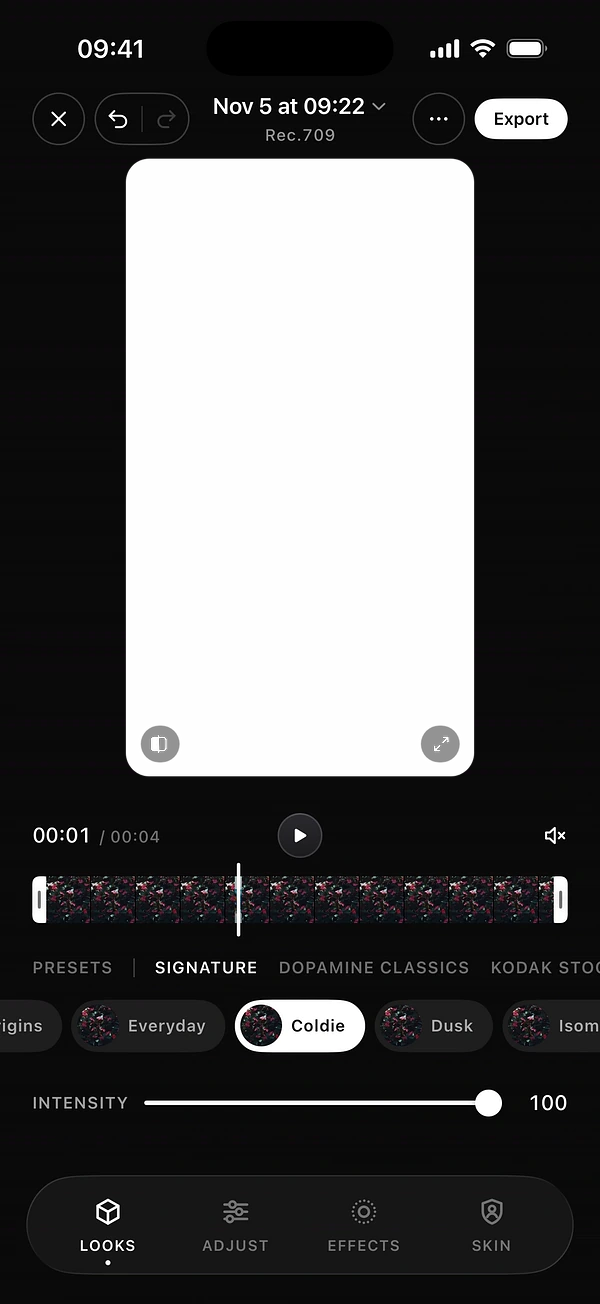
Most looks are made to work at 100, but your scene decides. In the camera, tap the look chip or open the panel and drag Intensity. In the editor, the same slider sits under the looks. Double-tap a slider to reset it.
Baked in or Preview only?
This is the most useful choice in the panel, right under the looks.
- Baked in
- The look is recorded in the file, ready to post. Best for quick content.
- Preview only
- You see the look while you film, and the file stays clean for grading later. Best when you may change your mind.
Filming in Apple Log? Baked in gives you a finished image instead of flat Log. Preview only keeps flat Apple Log for grading. One detail: film effects are added at export, even when the look is baked in.
Keep your favourites close
Tap the star on a look’s page, or press and hold its card and choose Add to Favorites. Then use the Favorites chip in the Looks tab. A short list of four or five looks gives your feed a recognisable style.
Questions
How many looks does DOPE have?
More than 100, made by the colorists of Dopamine Frame.
Can I change the look after filming?
Yes, as long as you recorded with Preview only. The file stays clean, and you pick any look in the editor.
What does Intensity do?
It sets how strong the look is, from 0 to 100. Lower it when a look feels too heavy for your scene.
Keep reading