 None
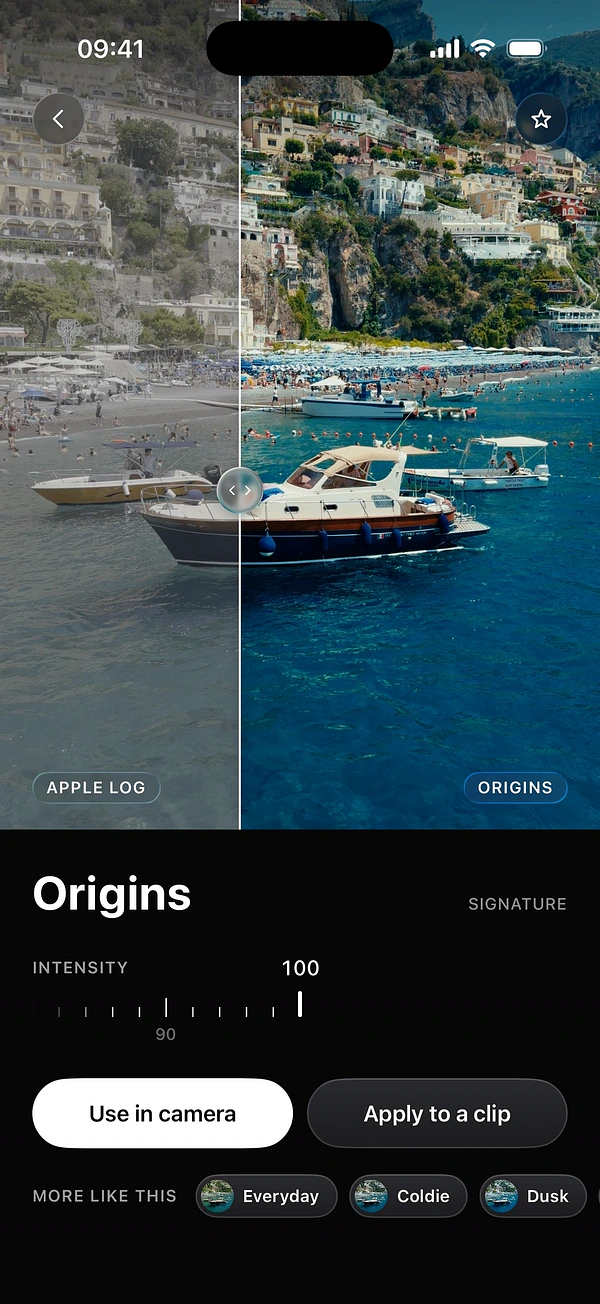
 Origins
 Everyday
 Coldie
How to export for Reels, TikTok and Shorts
A good clip can still lose its impact with the wrong crop, or with a caption under the app’s buttons. Here is how to export once and get it right.

1Open Export
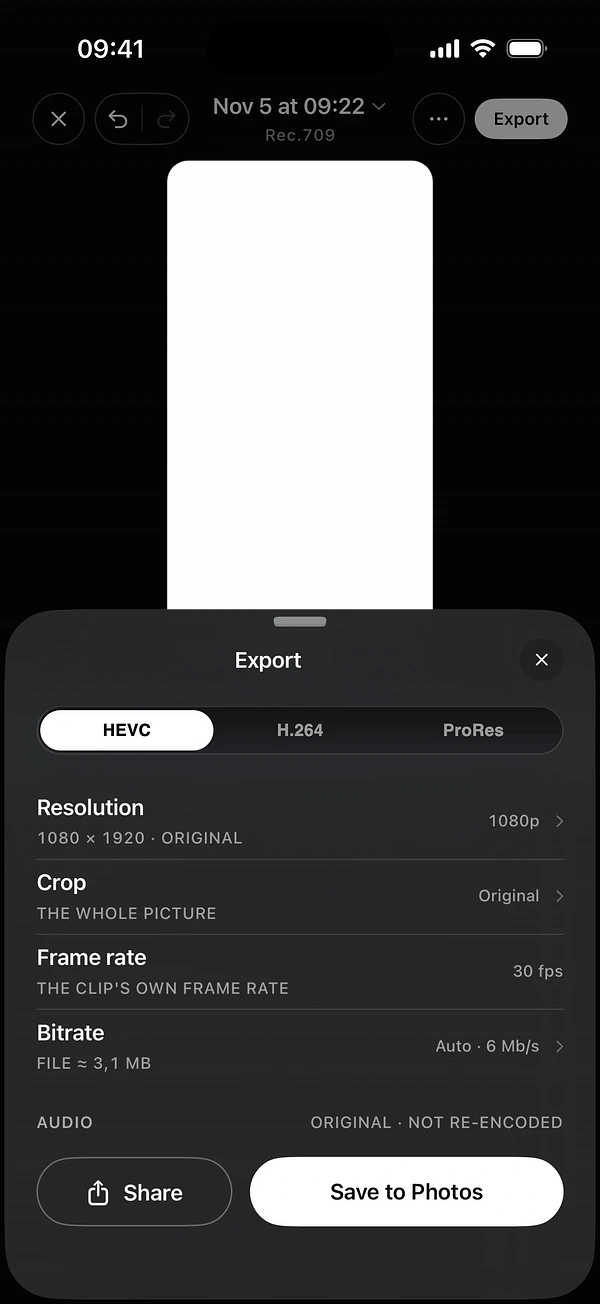
In the editor, tap Export at the top right. The sheet shows your codec, Resolution, Crop, Frame rate and Bitrate. Audio stays original and is not re-encoded. An HDR clip left as shot keeps its HDR and exports in HEVC, and ProRes has no Bitrate choice.
2Crop to 9:16
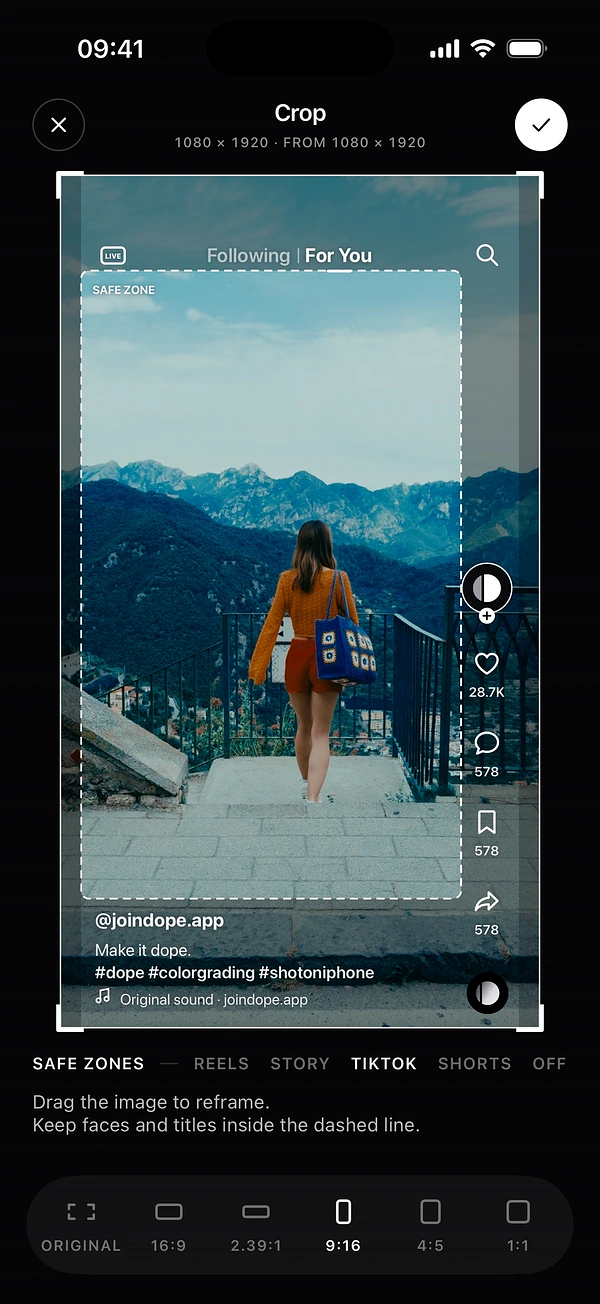
Under Crop, choose 9:16. You also have Original, 16:9, 2.39:1, 4:5 and 1:1. Choose 4:5 for a feed post, and 2.39:1 for a widescreen cinema frame.
At 9:16, pick your destination in Safe zones: Reels, Story, TikTok or Shorts. DOPE draws that app’s interface over your image. Drag the image to reframe, and keep faces and titles inside the dashed line.
Pick your settings
- Codec
- HEVC for most clips. H.264 for the widest compatibility. ProRes for further editing, on iPhones that support it.
- Resolution
- Keep Original. DOPE offers smaller sizes, and never scales up.
- Frame rate
- Keep Original unless an app asks for less.
- Bitrate
- Auto is the right start. High or Max help with grain and fine detail, at a larger file size.
Plan your frame while you film
You get a better result if you think about the crop before you record. In the camera’s Settings, under Framing, turn on Frame, choose 9:16 or 4:5, then turn on Safe zones. These guides only change what you see, and nothing is cropped from the recording.
Get the most from each app
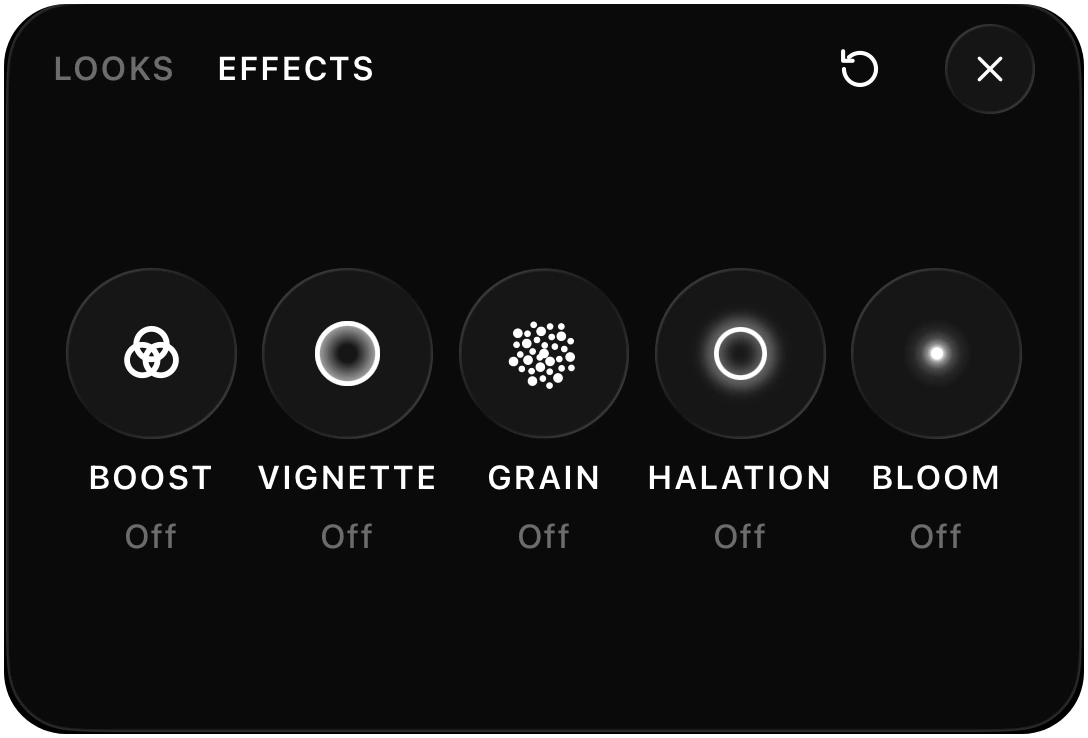
- Keep film grain a little stronger than feels right, because social apps compress fine detail.
- Keep your main subject near the centre. The bottom and right edges are often covered by captions and buttons.
- Put the strongest image in the first second.
- Upload over Wi-Fi when you can, and check any upload quality setting in the app.
Questions
What aspect ratio should I use for Reels, TikTok and Shorts?
Vertical 9:16. In DOPE, choose 9:16 under Crop.
HEVC, H.264 or ProRes?
HEVC gives smaller files at the same quality. Choose H.264 when another app or an older device has trouble with HEVC. ProRes is for further editing, on iPhones that have the encoder, and the files are much larger.
Does DOPE upscale video?
No. You can keep the original resolution or go smaller, but DOPE never scales a clip up.
Keep reading