
 None
 Origins
 Everyday
 Coldie
Film effects on iPhone, explained
Six effects give digital video its film character. Here is what each one does, when to use it, and how to set it on your iPhone without overdoing it.

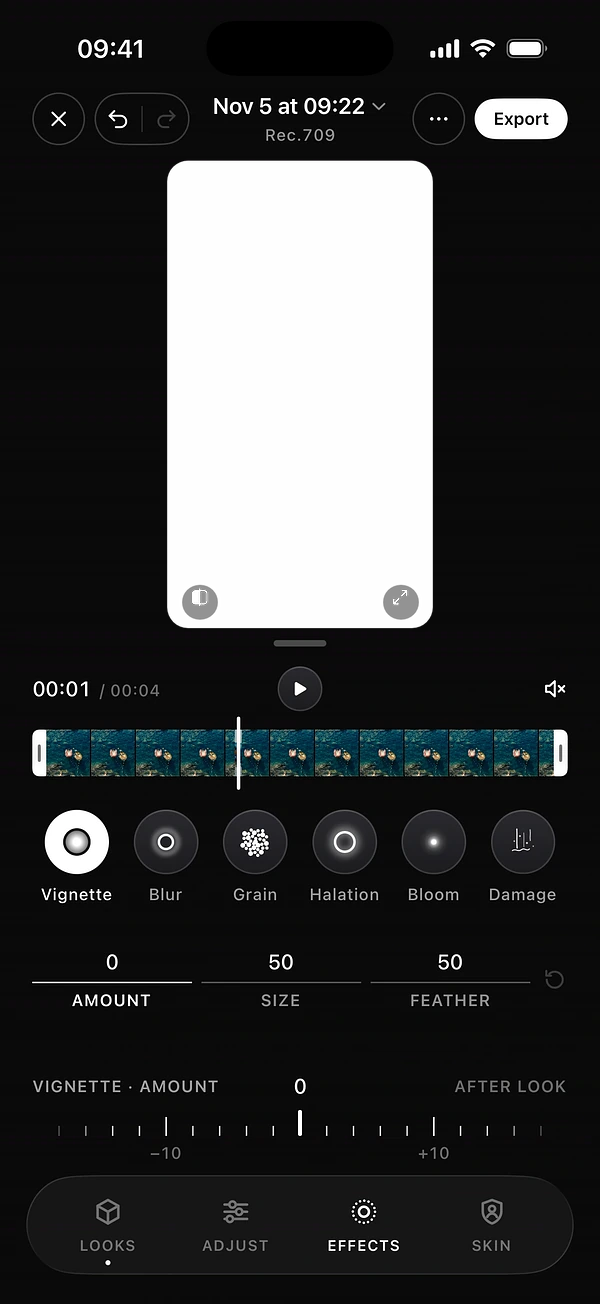


The six effects at a glance
- Vignette
- Darkens the edges to draw the eye to your subject.
- Blur
- Softens the image, with four profiles.
- Grain
- Adds the living texture of film.
- Halation
- Adds a warm glow around highlights.
- Bloom
- Lets bright areas glow softly.
- Damage
- Adds dust and hair from old film prints.
1Vignette
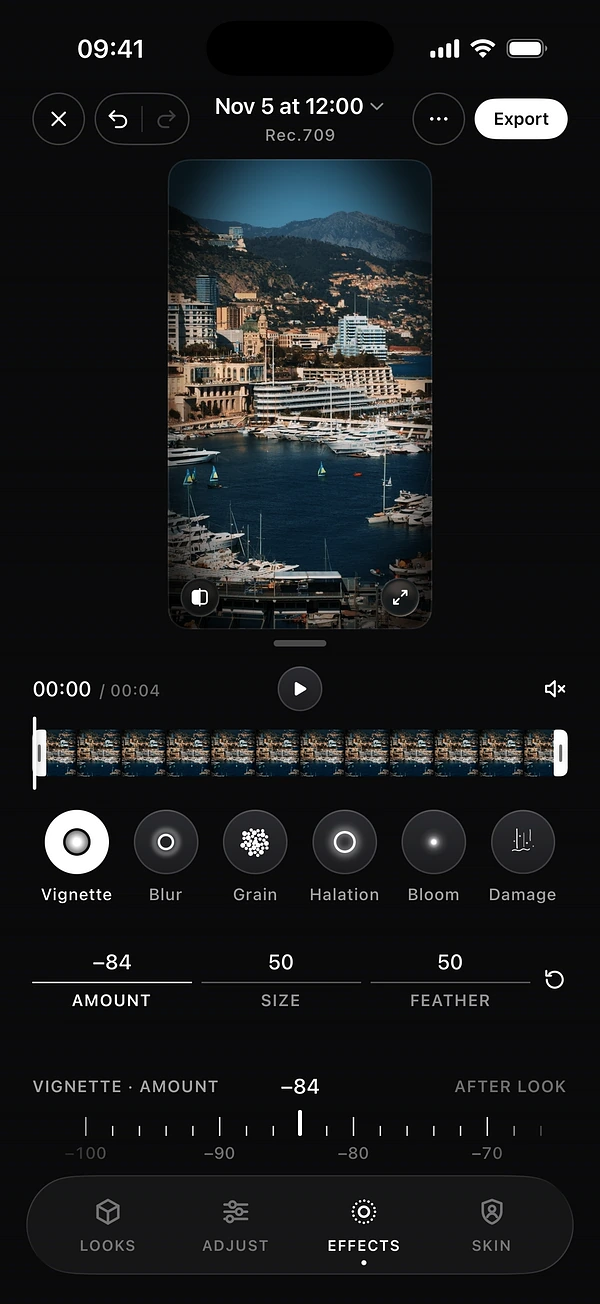
A vignette darkens the corners of the frame, the way old lenses do. It pulls the eye to the centre of the image and gives a shot more depth.
How to use it: drag it to the dark side, and keep it soft. It works well on portraits, landscapes and any shot with a clear subject. If you can see where it starts, raise the Feather.
In DOPE: Amount, Size and Feather.
2Blur
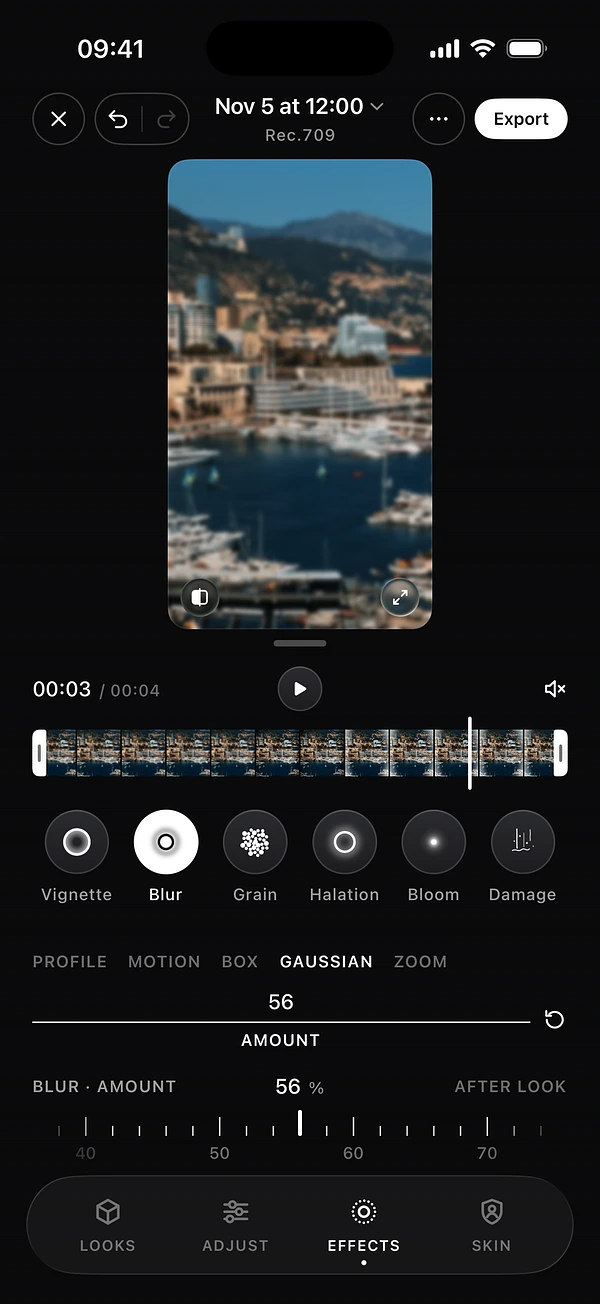
Blur softens the image on purpose. Use it for a dreamy mood, a sense of speed, or a clean transition between two clips.
How to use it: pick the profile first. Gaussian is a smooth, even blur. Box is a harder one. Motion adds streaks in one direction, and Zoom pulls towards the centre.
In DOPE: Motion, Box, Gaussian and Zoom, with Amount, and Direction when the profile has one. Blur is in the editor.
3Grain
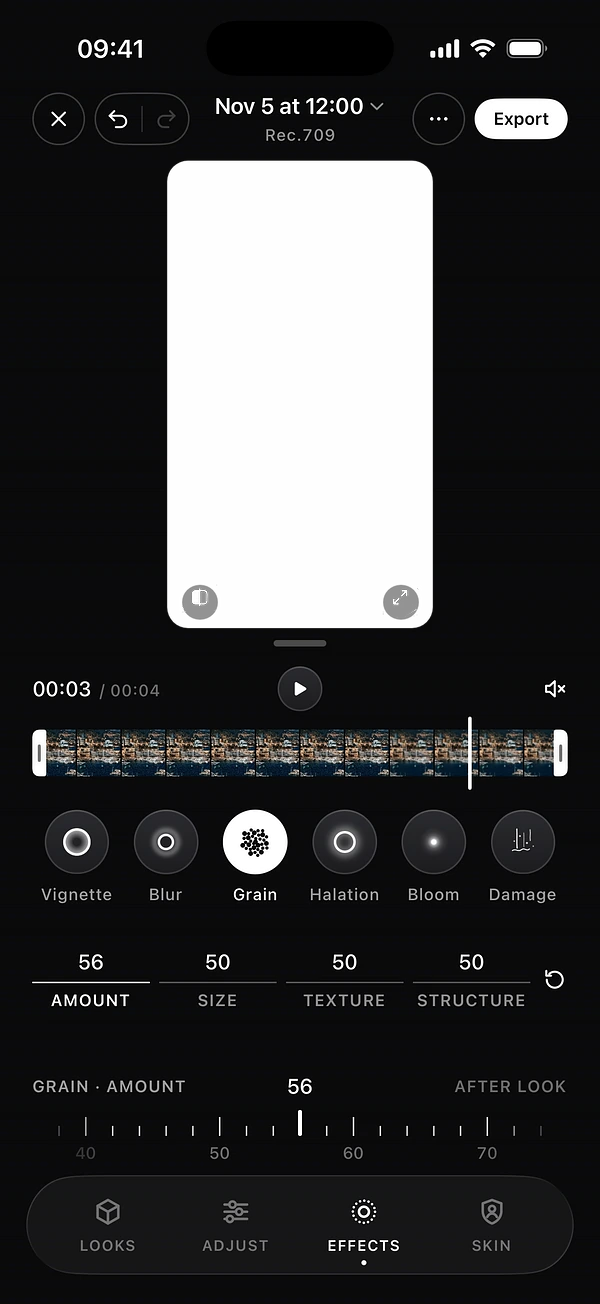
Film records images on tiny light-sensitive crystals. They show up as a fine, random texture called grain, and the pattern changes on every frame. That movement keeps an image alive, even in a still shot.
How to use it: start low. You want to feel it more than see it. Heavier grain suits night scenes, black and white, and anything that should feel old.
In DOPE: Amount, Size, Texture and Structure.


4Halation
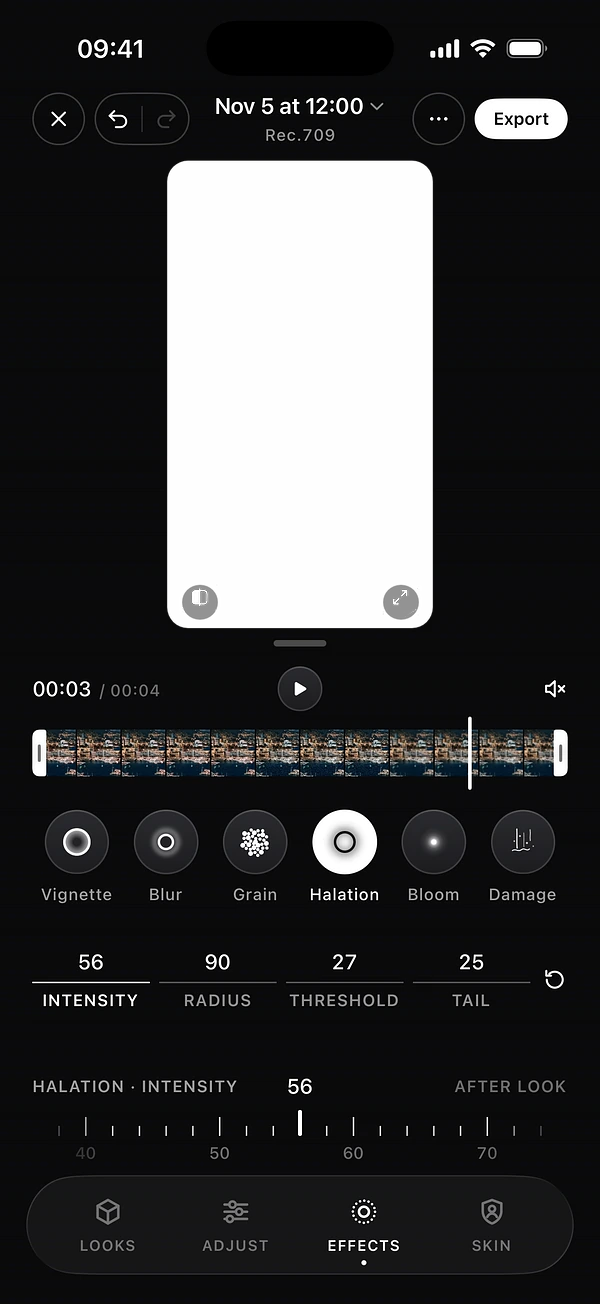
On film, very bright light can pass through the emulsion, bounce off the back of the film and return. The result is a warm red or orange glow around highlights such as street lamps or sun on metal. Digital sensors do not do this, which is why bright edges can look so sterile.
How to use it: look for strong highlights against darker areas. Keep the glow close to the light. If the whole image turns red, it has gone too far.
In DOPE: Intensity, Radius, Threshold and Tail.


5Bloom
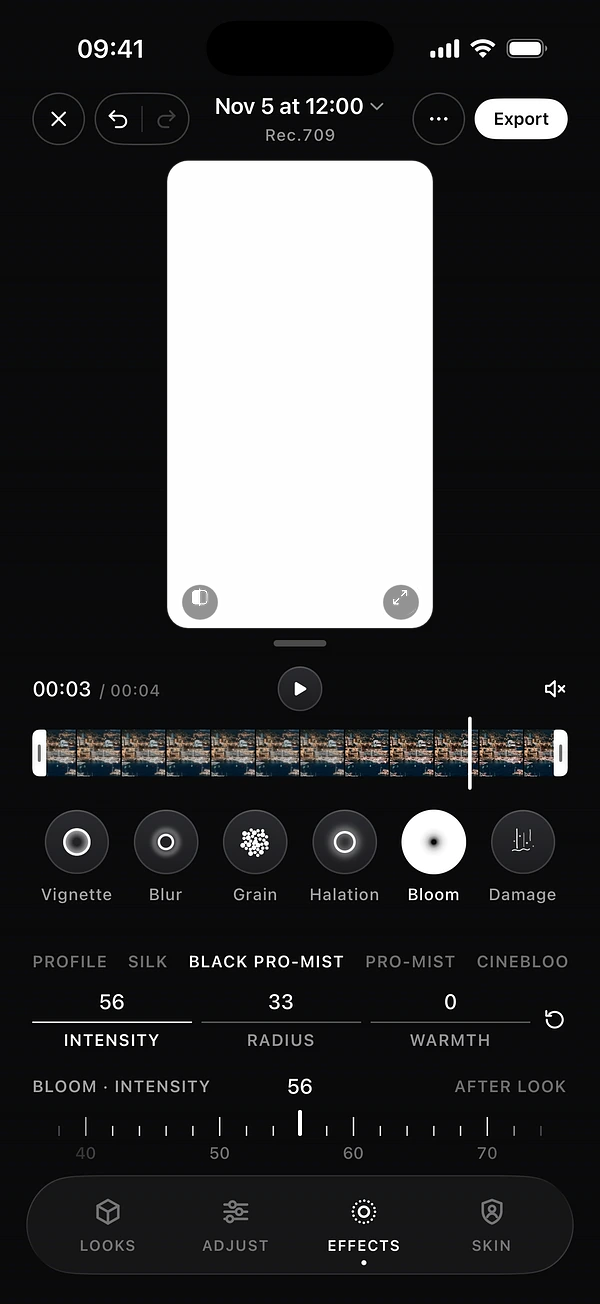
Bloom is a soft glow that spreads from bright areas, like light in a slightly hazy lens. Old lenses and diffusion filters do this in camera. It softens digital highlights and flatters skin.
How to use it: it works well for backlit portraits and sunsets. Too much washes out your contrast.
In DOPE: four profiles, Silk, Black Pro-Mist, Pro-Mist and CineBloom, with Intensity, Radius and Warmth.


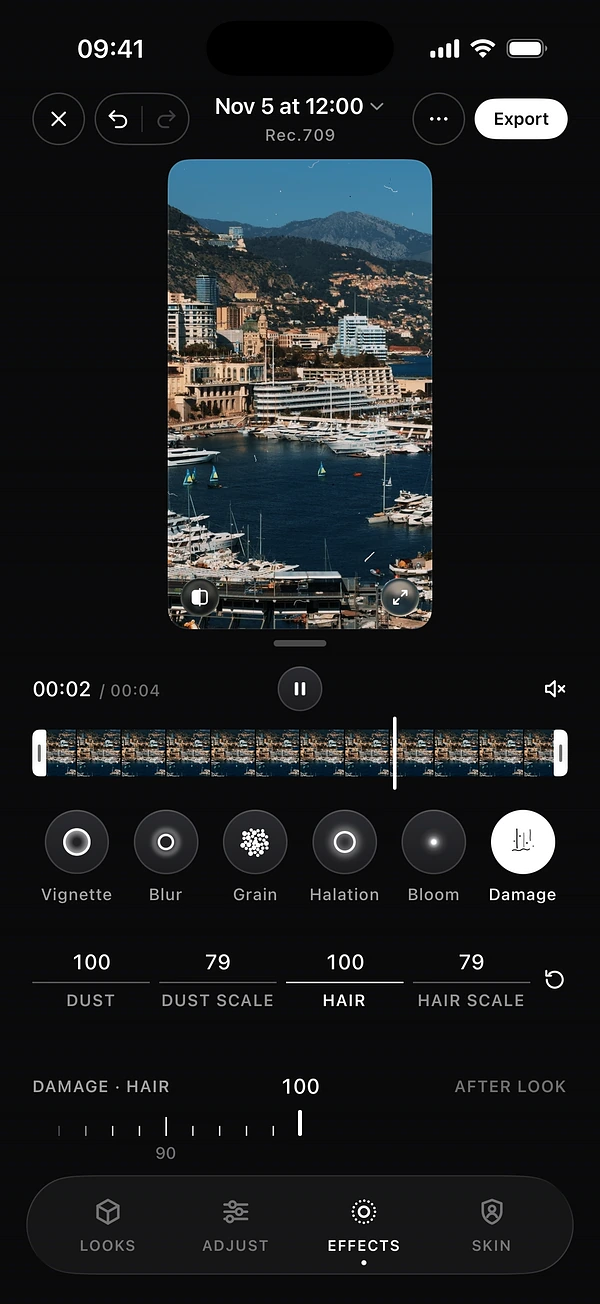
6Damage
Dust and hair on old film prints add history to an image. Use them for a reason, such as a memory, a dream or an archive feel, not on every clip.
How to use it: keep it light for a subtle texture, or push it for a real vintage look. It comes alive in motion, so judge it while the clip plays.
In DOPE: Dust and Hair, each with its own scale. Damage is in the editor.
Getting the balance right
- Grade the colour first, then add texture. See how to color grade on iPhone.
- Add one effect at a time and compare with the clean version. Press and hold the image to see it.
- Check on a phone at full brightness. That is how most people will watch.
- Remember that social apps compress video and can smooth fine grain away.
Film effects in the DOPE camera
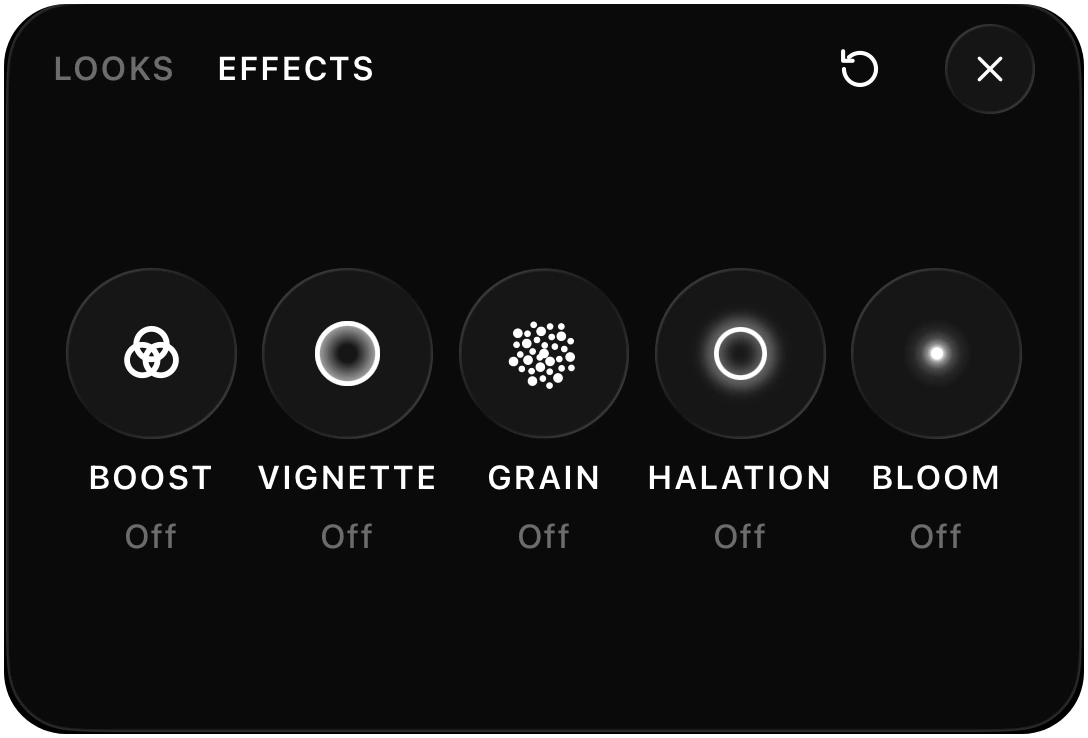
You can also film with them on. In the camera, the looks panel has an Effects tab with Boost, Vignette, Grain, Halation and Bloom. Add them on top of any look and set how strong each one is. Blur and Damage are in the editor. Film effects are added at export. For the rest of the picture, see how to make iPhone videos look cinematic.
Questions
What is halation?
A warm red or orange glow around bright highlights, caused by light bouncing back through film.
What is the difference between grain and noise?
Film grain is an organic texture that changes on every frame. Digital noise sits mostly in the shadows and tends to look blotchy.
Which film effects are in the DOPE camera?
The camera has Boost, Vignette, Grain, Halation and Bloom. The editor has Vignette, Blur, Grain, Halation, Bloom and Damage.
Should I add film effects while filming or after?
Either way. Set them in the camera’s Effects tab, or add them in the editor. Film effects are added at export.
Can I combine several effects?
Yes. Stack them on top of any look, and set how strong each one is.
Keep reading